Does your SimHub dashboard look like a spreadsheet with a rev counter on it? That’s rarely SimHub’s fault. Most people download a template, put it on a tablet and never open the editor. Shame, because that’s where the real work happens.
This guide is a researched overview, based on the official SimHub download page and documentation (simhubdash.com/download-2, GitHub wiki) and the community template collections on the SimHub forum. It’s not a hands-on test, but a practical breakdown of the workflow you can apply yourself.
What SimHub Actually Is
SimHub is a free-to-download telemetry hub for Windows. It takes the data from your racing sim (speed, RPM, tire wear, damage, position and more) and uses it to drive dashboards, LED strips and shakers. The version current at the time of writing (v9.12.3) lists Windows 11 64-bit as the minimum on the official download page. Still on Windows 10? According to that same page SimHub should still run, but that setup isn’t tested and isn’t guaranteed.
The dashboard editor is called Dash Studio and it’s built right into the program. You drag components (text, rectangles, ellipses, images, gauges, a track map) onto a canvas and link them to telemetry values. That link is called a binding: you hook a gauge needle to the RPM value, for example, and the needle follows the actual engine speed in the sim.
The Basics: The Built-In Dashboard Editor
Building blocks first.
Components and Images
A dashboard is made of separate components: rectangles, ellipses, text fields, images and pre-built gauges, spread across one or more screens. You position each component independently. Want a properly authentic look? Drop in your own background image of a real dashboard (a photo or render of a GT3 wheel display works well) and lay the digital elements on top. It instantly looks less generic than the default templates.
Binding Data to Components
The binding editor is where you pick which telemetry value a component shows: speed, gear, fuel, ABS activation, pit limiter status, you name it. SimHub works with nearly every popular sim (iRacing, ACC, rFactor 2, the F1 series and more), so the same approach works in most titles. Exactly which values are available does vary per game.
Conditional Display
According to the SimHub wiki, you can make pretty much any component property dynamic with a formula. Visibility, color, text. That’s how you build rules like “only show this warning icon when there’s engine damage” or “turn the RPM bar red just before the limiter.” This is what takes a dashboard from functional to realistic. A real race car shows warnings when they matter, not all the time.
Five Practical Steps Toward a More Realistic Dashboard
1. Start From a Community Template, Not a Blank Canvas
The SimHub forum hosts big collections from community builders, like Romainrob’s collection. Download a template that matches your discipline (GT, formula, rally) and tweak it. Starting from scratch? Don’t. It saves hours, and it shows you right away how experienced builders set up their screens, components and formulas.
2. Export Your Graphics at the Right Resolution
SimHub can’t draw SVG files. The makers of the OpenDash dashboard generator call that out explicitly as a limitation. So you’re working with regular images like PNG, and those turn grainy when SimHub has to scale them up. Design your graphics in a vector program if you like, then export them as PNG at (at least) the resolution of the screen your dashboard runs on.
3. Work From Real Cockpit Reference Photos
A dashboard looks more realistic when its layout and typography resemble what you’d actually see in a GT3 or formula car: a big RPM bar in the middle, a small digital speed readout, tires and fuel off to the side. Find reference images of the car you drive most and build your layout around that, instead of using a generic gauge cluster.
4. Use Formulas for Calculated Values
A binding doesn’t have to be one bare telemetry value. SimHub has two formula engines: NCalc and JavaScript (tick “use javascript” in the binding editor). With those you combine or recalculate values, like your own estimate of how many laps your fuel will last. NCalc can’t remember values between evaluations, JavaScript can. It takes some digging in the wiki, but it’s how you build dashboards that show more than the sim hands you.
5. Test on the Actual Hardware You’ll Race With
A dashboard that looks great on your 27-inch monitor can turn out very differently on a 10-inch tablet in your rig: text too small, poor contrast when the sun hits the screen, or a layout that doesn’t fit your dash screen’s aspect ratio. Always build and test on the screen the dashboard will actually run on.
Where Does That Screen Go?
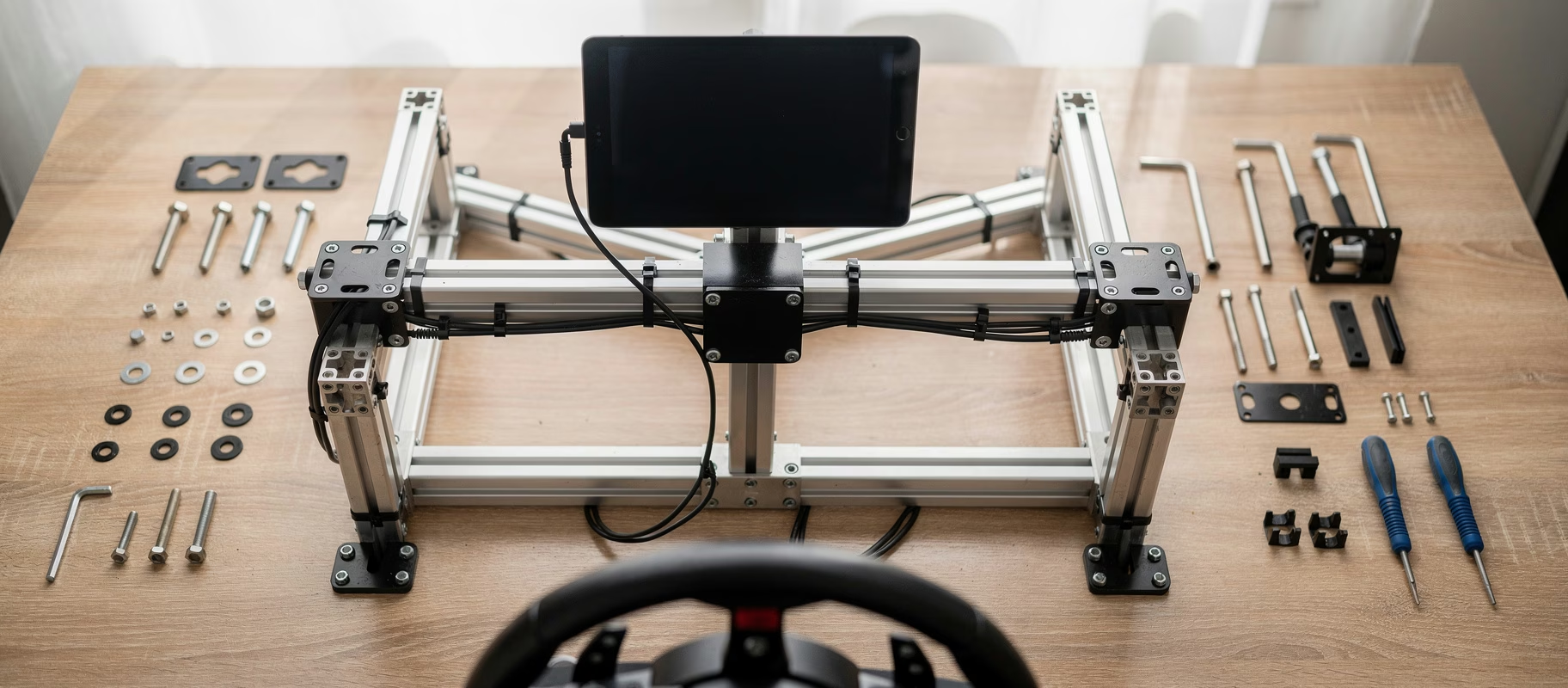
A great-looking dashboard doesn’t help much if your phone is leaning against your monitor stand. On an aluminum profile cockpit, like Sim-Lab’s P1X Pro Sim Racing Cockpit, you just bolt a tablet or phone holder into the slot with T-nuts, close to your wheel. Running Sim-Lab’s GT1 Evo Sim Racing Cockpit? Sim-Lab sells the GT1 Integrated Vario monitor mount for it, but that’s meant for your main screens (it’s designed around triple 27-inch monitors), not for a separate dash display. A fixed spot isn’t required to get started with SimHub. It is once you get serious about building your own dashboard.
Common Misconceptions
“SimHub dashboards only run on a second monitor.” Not true. A dashboard also runs on a tablet, phone or separate dash display, independent of your main screen.
“You need to know how to code to customize anything.” For simple changes (colors, positions, which telemetry value shows up) you don’t need formulas at all. Only calculated values or complicated conditions send you into NCalc or JavaScript.
“The free version is crippled.” Not really. Dash Studio and the community templates are in the free version. The difference: for free, SimHub drives your displays, Arduinos and shakers at 10 FPS, with a license at 60 FPS. You also get automatic game switching, and the nag screen goes away. You pick the license price yourself (the suggested amounts on the site run from €8 to €30). There’s more on that in our piece on the best all-in-one software for your sim rig.
Who Should Try This?
Mostly sim racers who already have SimHub working and want to go beyond the default template. Completely new to it? Start with a community template before building your own. Faster results, less frustration. If you mainly drive one sim (only ACC, or only the F1 series), you’ll get the most out of this, because you can tune your dashboard to one set of telemetry values and one cockpit layout.
Start Small
A more realistic dashboard isn’t about better software. It’s a good base template, your own background, sharp graphics, a few smart formulas and a screen that doesn’t wobble. Borrow from the community, and only build your own formulas once the basics are in place.