Yes, but not for free
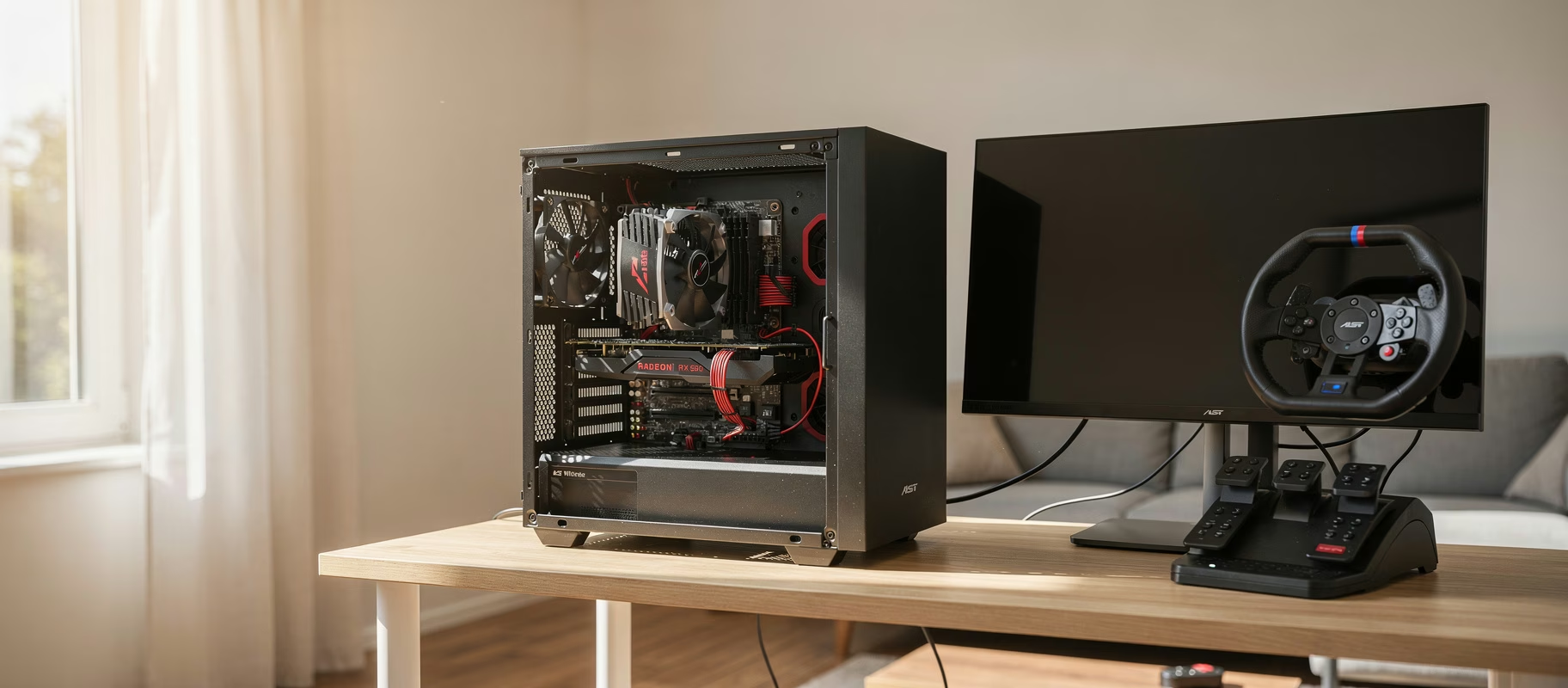
Yes, an i7-4790k with an RX 590 can run Assetto Corsa and Automobilista 2 at 1440p/75Hz. You’ll just have to compromise somewhere. Assetto Corsa is the lighter of the two: thanks to its relatively old 2014 rendering engine, this hardware combo handles high settings at 1440p without much drama, as long as you don’t pile on heavy visual mods. Automobilista 2 is a different beast. The Madness engine (same base as Project CARS 2) asks a lot more of your hardware, especially with dynamic weather, full AI grids and detailed lighting. On these specs, that usually means medium settings and a smaller AI field if you want to hold 75fps consistently.
The RX 590 is your main limiting factor for GPU-heavy stuff like shadows, reflections and particle effects. The i7-4790k, meanwhile, can become the bottleneck once you’re dealing with large AI grids, busy multiplayer lobbies, or VR. It’s still a 4-core/8-thread chip from 2014, after all.
Breaking down the hardware
Intel Core i7-4790k: still usable?
The i7-4790k is a 2014 Haswell CPU with 4 cores and 8 threads, a 4.0GHz base clock and up to 4.4GHz turbo. For its era, this was a great gaming CPU, and honestly, the clock speed still holds up fine today. The real issue isn’t per-core speed. It’s core count and IPC (instructions per clock), which has fallen well behind modern chips. For sims that don’t lean heavily on multiple cores (base Assetto Corsa, for example), this usually isn’t a problem. But once a sim needs to crunch heavy AI calculations, physics for large grids, or juggle background processes (streaming, overlays, telemetry apps), a 4-core chip runs out of headroom sooner than a modern 6- or 8-core CPU would.
AMD RX 590: where does it sit today?
The RX 590 is a Polaris GPU (4th-gen GCN) from late 2018 with 8GB of GDDR5 memory. Performance-wise it sits roughly around a GTX 1060 6GB, sometimes a touch ahead depending on the title. That comes from the reviews of the time, not from my own measurements with this exact combination. More important for your question: the RX 590 supports FreeSync. If your 1440p/75Hz display is FreeSync-certified, turning on adaptive sync makes small dips below 75fps feel far less jarring than chasing a hard-locked number.
Assetto Corsa on this hardware
Assetto Corsa (Kunos Simulazioni, 2014) cares more about physics and tire modelling than flashy graphics. At 1440p with high settings, vanilla content typically runs smoothly on an RX 590-class GPU, especially in solo sessions or time trials with a modest AI count. Where things go sideways: heavy visual mods like Sol (dynamic weather) or Custom Shaders Patch (CSP) with lots of extra effects pile on both GPU and CPU load fast. If you’re running AC mainly with mods like these, expect to dial back settings or drop resolution a bit to keep 75fps.
Automobilista 2 on this hardware
AMS2 runs on the Madness engine, which the sim racing community widely agrees is noticeably heavier than the engine behind the original Assetto Corsa. Dynamic weather, time-of-day lighting and full grids of 20+ AI cars are the biggest load factors here.
Reiza’s own system requirements on Steam tell you a lot. Minimum: an i5 3450 (or FX-8350), a GTX 680 and 8 GB of RAM. Recommended: an i7 8700K (or Ryzen 7 2700X), a GTX 1080 Ti and 16 GB of RAM. Your combo sits right in between. Comfortably above minimum, clearly below recommended. Do check that Steam page before buying, since Reiza updates the requirements now and then.
Worth knowing too: AMS2 keeps growing with paid content. Reiza regularly drops new DLC packs, like the Historical Track Pack Pt.3, the Lamborghini Dream Pack Pt.2, the Endurance Pack Pt.1, and the Adrenaline Pack Pt.1. Newer content tends to use newer assets and shaders than what shipped at launch in 2020, so in practice a recent DLC track can run heavier than one from the original line-up. On an RX 590, it pays to check your settings per track and weather type rather than assuming one profile works everywhere.
With an i7-4790k and RX 590 at 1440p, a stable 75fps in AMS2 is generally achievable with a moderate to small AI grid, medium shadows and reflections, motion blur turned down or off, and limited particle and crowd density. Treat that as guidance based on how this engine and this kind of hardware typically behave. It’s not a measurement on this exact setup. Frame rates swing a lot by track too: a wet Interlagos with a full grid hits the hardware much harder than a dry kart track with five AI cars.
Practical settings for a stable 75Hz experience
- Turn on FreeSync if your monitor supports it. Small frame dips feel way less disruptive than with hard v-sync.
- With FreeSync on, cap your frame rate just under your refresh rate (say, 72fps). That keeps you inside the FreeSync range instead of bumping into the ceiling, where tearing or v-sync lag lives.
- Limit the AI grid size in AMS2, especially on heavier tracks or in the rain.
- Turn down or disable motion blur and particle effects. Cheap frame rate wins, and you’ll barely miss them.
- Keep shadows and reflections at medium; these are traditionally the heaviest GPU settings in the Madness engine.
- Install the latest Polaris/Vega driver, but don’t expect miracles. Since late 2023 AMD has kept Polaris cards like the RX 590 on a separate maintenance branch. It still gets critical fixes and security updates, but no game optimizations. Extra fps has to come from your settings, not the driver.
When is upgrading worth it?
If you eventually want ultra settings, full AI grids, or VR, both the CPU and GPU will hit their ceiling. A modern 6-core-or-better CPU paired with a GPU a tier above the RX 590 gives you noticeably more room to breathe. I’m deliberately not quoting prices here: they shift by the week and by retailer. And keep this in mind: swap only the graphics card and that 4-core CPU will still hold you back in full AMS2 grids.
Common misconceptions
“1440p is always twice as demanding as 1080p.” Load goes up, but not linearly and not evenly: GPU-bound scenes (heavy shadows, rain, full grids) show the biggest jump, while CPU-bound situations (menus, small grids) barely differ between resolutions.
“A 75Hz display needs exactly 75fps to matter.” With adaptive sync (FreeSync), you still get a smoother experience even at lower frame rates. Without sync, you’ll get tearing whenever your frame rate strays from your refresh rate.
“The RX 590 is obsolete junk.” Old? Yes. Junk? No. For non-extreme sims at 1440p with sensible settings, it still does the job. Especially if you’re just starting out and keeping your budget tight on purpose.
Keep racing or upgrade?
Keep racing, if you ask me. This combo is a workable entry point for both Assetto Corsa and Automobilista 2 at 1440p/75Hz, as long as you’re willing to adjust settings to match the track and weather. AC feels noticeably more comfortable than AMS2, especially once you push AMS2 toward full grids, rain, or newer DLC content. If you’re seriously eyeing higher visual settings or VR down the road, plan your upgrade around both the CPU and GPU, not just one or the other.