Short answer: where to start
If your Moza R9 shakes or vibrates to the point of being undrivable in Le Mans Ultimate, the cause is almost always a software setting compounding another setting, not a broken wheelbase. The most commonly reported culprits in the sim racing community are outdated firmware, force feedback gain stacked too high in both MOZA Pit House and the in-game settings, or a loose mount/quick release that introduces physical play that feels like vibration. Work through the steps below in order before you start suspecting hardware.
This is a researched checklist based on MOZA’s official support pages for the R9 and Pit House, combined with well-established force feedback principles for rFactor2-based titles (Le Mans Ultimate runs on the rF2 engine). No personal test results here. Anything that’s community-reported is labelled as such.
Why does the R9 specifically shake in Le Mans Ultimate?
Le Mans Ultimate is built on the rFactor2 engine, which has always been a bit touchy with strong or overlapping force feedback effects: kerb vibrations, wheel damper, minimum force, that sort of thing. On direct drive wheelbases like the R9 (9 Nm), those effects come through very directly, without the natural damping you’d get from a belt-drive or gear-drive wheel. So settings that felt fine on a different wheel, or in a different game, can create resonance on an R9 in LMU that feels like shaking, especially at high speed or on straights.
SimRacingSetup.com (an independent site written by “Rich,” not MOZA itself) publishes a settings guide for Le Mans Ultimate (SimRacingSetup’s MOZA FFB guide for LMU) with recommended starting values per MOZA wheelbase. Treat a guide like that as a starting point, not gospel. Every rig, mounting setup and personal preference is different, so you’ll still need to fine-tune from there.
Step 1: Update firmware and driver via MOZA Pit House
First, check whether your wheelbase and MOZA Pit House software are up to date. MOZA’s own support page for the R9 names Pit House as the central place for firmware updates, settings and diagnostics for the wheelbase (MOZA R9 Wheel Base Support). Outdated firmware is a known source of unpredictable FFB behaviour, including oscillation or shaking under specific loads.
- Open MOZA Pit House and check the system settings for an available firmware update.
- Restart both the wheelbase and the PC after an update, not just the software.
- If Pit House itself crashes or throws errors during the update, check the official MOZA Pit House FAQ for how to submit an error report and dig further.
Sounds basic, I know. But direct drive wheelbases get regular firmware updates, and this is exactly the kind of issue that can show up after a patch. Or vanish after one.
Step 2: Check the base settings in Pit House
After updating, look at the FFB-related settings inside Pit House itself, separate from the settings in Le Mans Ultimate. The MOZA R9 has settings for overall strength and damping that apply before the game layers its own FFB signal on top. If that base strength is already high, and you also crank LMU’s in-game FFB strength, you’re stacking two gains on top of each other. That’s a classic cause of clipping (the force feedback signal exceeding its maximum), which produces the shaky, jerky steering feel a lot of people describe.
General rule of thumb: start with a moderate strength in Pit House (roughly the middle of the scale, not maxed at 100%), then raise the in-game strength in LMU until it feels right. Don’t max out both layers at once.
Step 3: Avoid double gain inside Le Mans Ultimate
Le Mans Ultimate’s FFB settings (in the in-game menu or setup screen) include separate values for steering effects strength, kerb effects, and various smoothing or filter settings. If the shaking mainly happens on kerbs, rumble strips, or at high speed on straights, there’s a good chance one specific effect is set too strong for a 9 Nm direct drive wheelbase.
A practical approach:
- Temporarily set all individual effect sliders (kerb, road, damping) to a low or neutral value and test whether the shaking disappears.
- Raise one effect at a time so you can pinpoint which one is triggering the vibration.
- Avoid combining a high “Minimum Force” setting with a high overall strength; in rF2-based titles, this combination is a known (community-reported) trigger for oscillation on direct drive wheels.
Exact recommended starting values can shift with LMU patches, so it’s worth using the current recommendations from an independent, MOZA-focused settings guide such as SimRacingSetup’s as a baseline, then fine-tuning from there on your own rig.
Step 4: Check the mounting and quick release
A physically loose connection often feels exactly like a force feedback problem, when it’s actually mechanical play in the mount. Check the following:
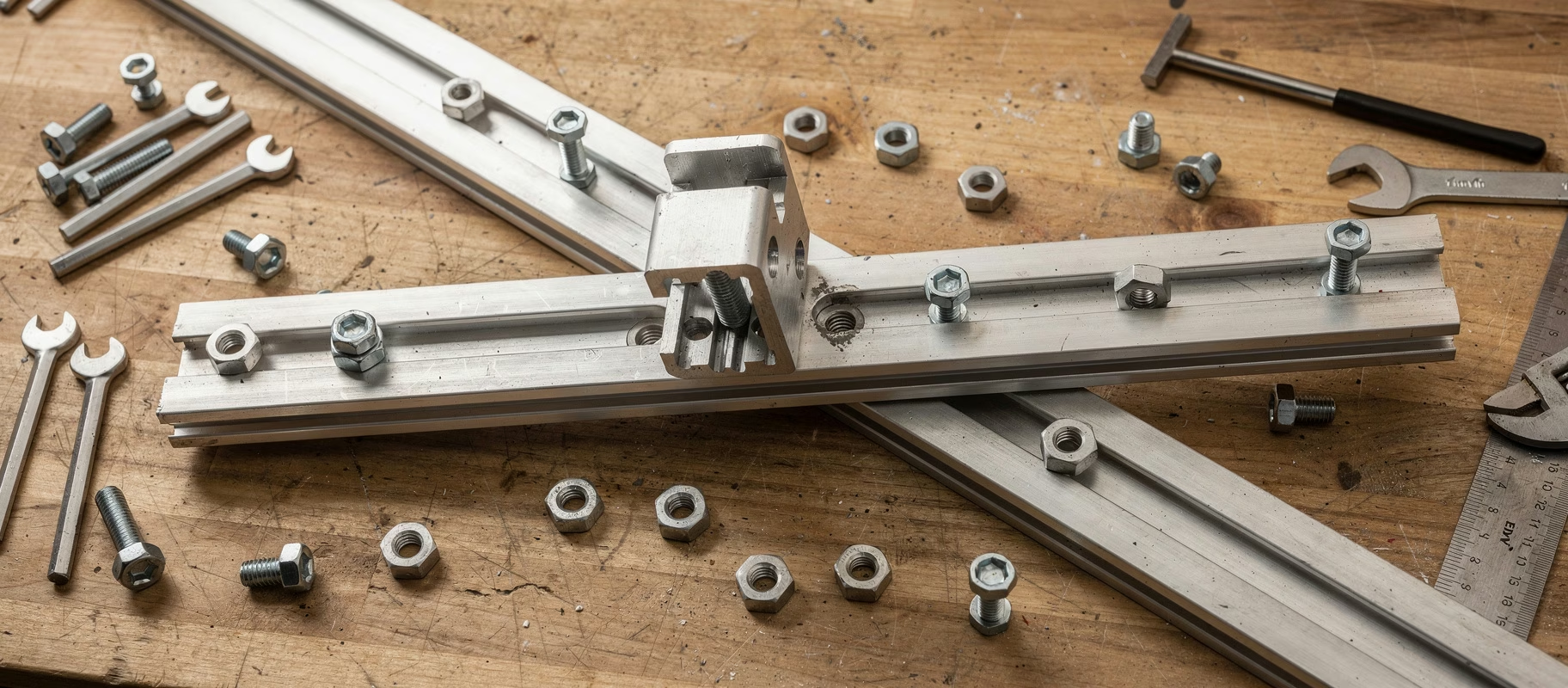
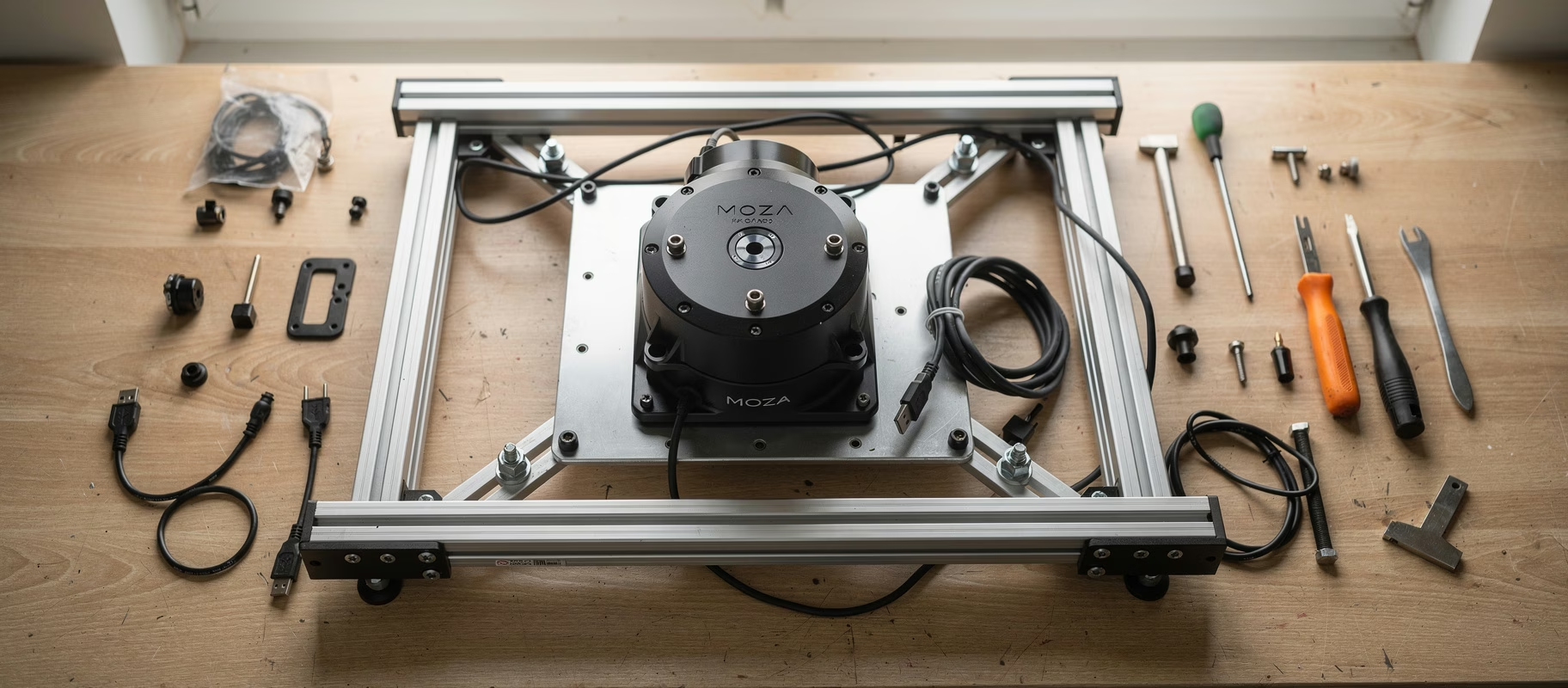
- Whether the bolts securing the R9 to your rig plate are properly tightened. Direct drive bases produce serious torque; a bolt that isn’t fully tightened introduces play that shows up as shaking or wobbling during fast steering inputs.
- Whether the quick release between the wheel and wheelbase is fully locked. For anyone switching between multiple wheels, a MOZA R21/R16/R9 Quick Release Adapter is compatible with the R9, but an adapter that isn’t fully clicked into place introduces exactly this kind of play.
- Whether the rig plate itself is flexing. A thin or unreinforced plate can move under the torque of a 9 Nm base, which feels like the wheel is shaking when the real cause is the frame flexing underneath it.
This isn’t a software issue, so no amount of FFB tweaking will fix it. However often that’s suggested online as the first thing to try.
Step 5: Rule out cable and connection issues
Direct drive wheelbases draw serious power, especially under strong effects. Check whether the R9 is connected to a dedicated outlet or stable power supply, and whether the USB cable runs directly into the PC rather than through an unpowered USB hub. A dropping or unstable connection can produce jerky, irregular movements that resemble shaking but are actually signal loss.
When does it point to a hardware fault?
If the shaking persists after you’ve:
- updated the firmware,
- moderated the strength in both Pit House and LMU,
- reset and individually re-tested all the in-game effects,
- physically checked the mount and quick release,
- and ruled out power/USB connection issues,
then it’s reasonable to start thinking hardware (a motor or internal sensor issue, for example). At that point, contacting MOZA support through their official support page is the next step, especially if the wheelbase is still under warranty. Don’t jump to this conclusion too fast, though. In most “undrivable shaking” threads I come across, the cause ends up being settings or mounting, not a defective wheelbase.
Quick checklist: R9 shaking in LMU
| Step | Action | What it fixes |
|---|---|---|
| 1 | Firmware/driver update via Pit House | Bugs in older firmware |
| 2 | Lower base strength in Pit House | Double gain / clipping |
| 3 | Test LMU effects one at a time | An overly strong specific effect (kerb, damper) |
| 4 | Check mounting and quick release | Physical play that feels like shaking |
| 5 | Check power supply and USB connection | Signal loss from unstable power/cable |
Bolts and sliders first, RMA last
A Moza R9 that shakes in Le Mans Ultimate is frustrating, but in the vast majority of cases it’s fixable without an RMA. Start with firmware and settings, then check the physical mount, and only call it a “defective wheelbase” once you’ve ruled out every software and mounting step. Still considering the R9, or thinking about upgrading to one? It remains a strong 9 Nm direct drive option for GT3 racing, as long as it’s mounted on a rigid rig and you split the FFB settings deliberately between Pit House and the game.