The short answer
The choice between the Moza R5 and the Logitech RS50 comes down to two questions: which platform do you race on, and what’s actually in the box? If you race only on PC and want a complete direct drive setup for as little money as possible, the Moza R5 Bundle is the logical pick. Wheel, base and pedals, all in one box. If you also want to race on PlayStation or Xbox, you end up at the Logitech G RS50 System - PlayStation & PC. But watch out: that system is a base plus a wheel. Pedals are a separate purchase.
My take? The platform decides, not the Nm figure. Here’s why.
Specs side by side
| Moza R5 | Logitech RS50 | |
|---|---|---|
| Drive type | Direct drive | Direct drive |
| Torque output | 5.5 Nm | 8 Nm |
| Extra haptics | None | TRUEFORCE (in games that support it) |
| Platform support | PC only | Depends on the version: PC, PS/PC (PS5 and PS4) or Xbox/PC. All three is possible with the PS version plus the separate RS Wheel Hub for Xbox |
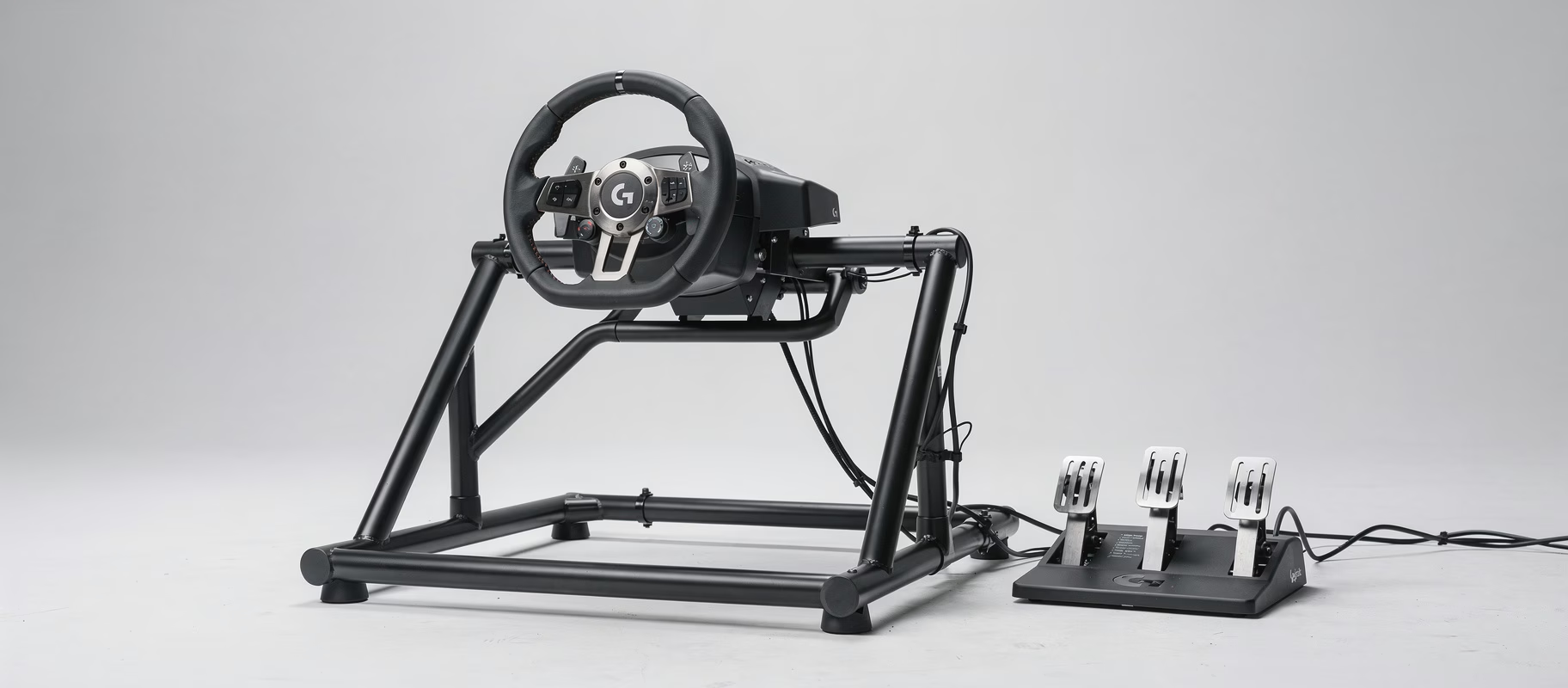
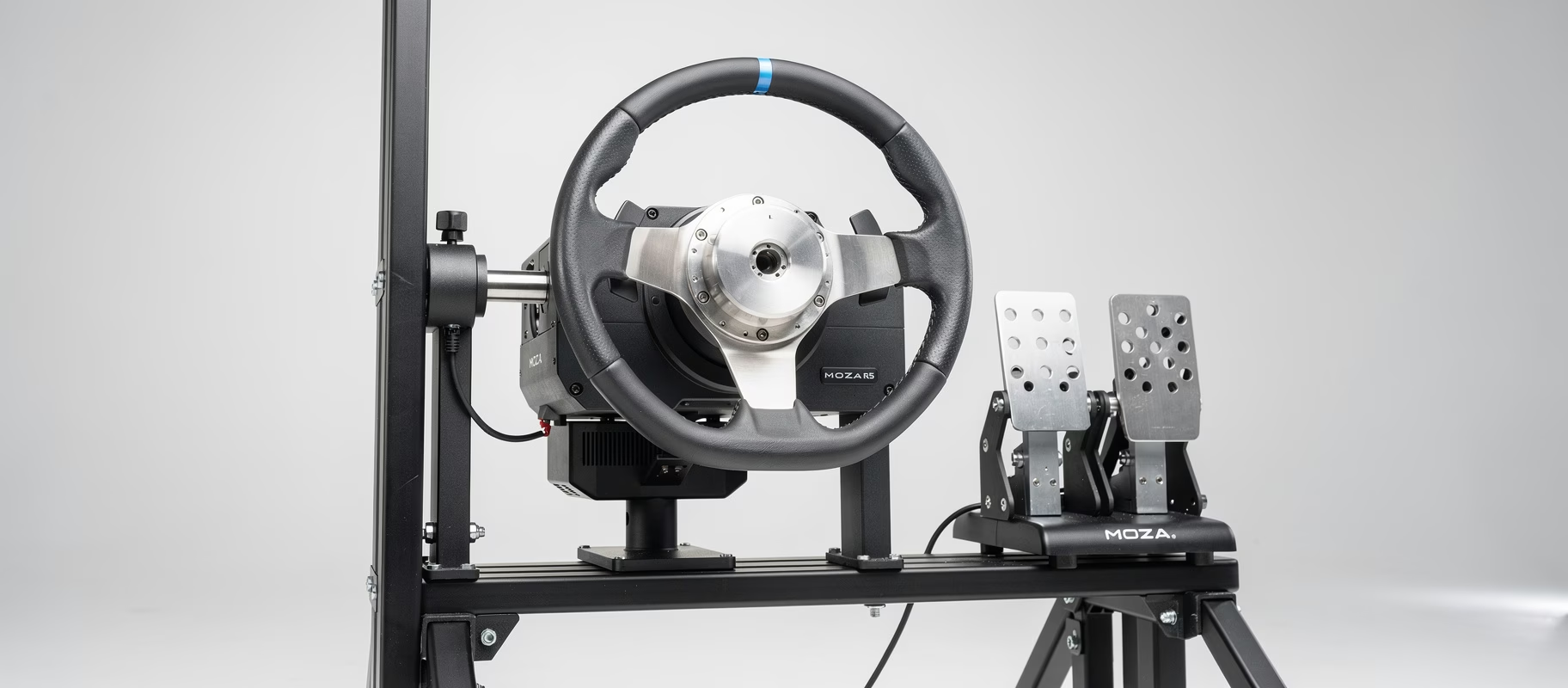
| Wheel in the box | ES Wheel, 11 inch, aluminium frame | RS Round Wheel, 11 inch, on the RS Wheel Hub with quick release |
| Pedals in the box | SR-P Lite, Hall sensors, no load cell | None. RS Pedals (75 kg load cell) are sold separately |
| List price (Sept 2026, EU) | €479, often around €399 on sale | €579.99 at Logitech, plus €149.99 for the RS Pedals |
The specs come from Moza, Logitech’s RS50 System page and the announcement of the RS50 and RS Pedals. Prices move, so check the product links before you fix a budget.
Do you actually need 8 Nm as a beginner?
No. Nm (newton-metre) tells you how much torque the motor can produce, so how hard the wheel pushes back. More isn’t automatically better when you’re starting out: a strong motor can be tiring, especially while you’re still getting used to direct drive. With 5.5 Nm you’ll get along fine in Assetto Corsa Competizione or iRacing in most GT, formula and road cars. I do think 5.5 Nm is on the low side if you want to feel every kerb hard in a heavy GT3 car. That’s where you’ll notice the RS50’s 8 Nm.
On top of that, the RS50 has TRUEFORCE. According to Logitech, it translates in-game physics into forces in your wheel, as an extra layer on top of regular force feedback. The catch: it only works in games that have built it in. For a beginner it’s a nice bonus, not a reason on its own.
Platform support: the deciding question
This is where the two really split. The Moza R5 works only on PC. No PlayStation, no Xbox. If console racing is part of the plan, it’s out.
With the RS50, it depends on which version you buy. Logitech sells the RS50 System in three flavours: PC only, PS/PC and Xbox/PC. The PS/PC version I link above works on PS5, PS4 and PC according to Logitech’s setup guide. Want all three platforms? Then you need the PS version plus the separate RS Wheel Hub for Xbox, because the Xbox support lives in that hub. It doesn’t work the other way round: Logitech says PlayStation support can’t be added later. Not sure whether you’ll ever own a PlayStation? Buy the PS version.
If console support is a hard requirement, the choice is made before you even look at torque figures or pedals.
Ecosystem and upgrade paths
Moza wheels and pedals fit the other Moza bases through the standard MOZA Quick Release. Step up to a Moza R9 or Moza R12 later and you simply take your wheel and pedals with you. One caveat: according to SimRacingSetup, the ES Wheel from the R5 bundle doesn’t work on the heavier R16 and R21 (or on the first version of the R9). You don’t need Moza’s separate Universal Hub for that upgrade. That one is for putting a Moza wheel on another brand’s base.
Logitech has fewer rungs on the ladder. Next to the RS50 (8 Nm) there’s the older Logitech G PRO with 11 Nm, and that’s it. Moza runs from the R3 to well past the R12. Already know you’ll want something stronger in a year or two? Moza gives you more options within the same brand.
And for the long run: if your base sits on a rig with a universal wheel plate, like the Trak Racer TR80S, you can always switch brands later. Whichever one you pick now.
Pedals: the difference beginners tend to overlook
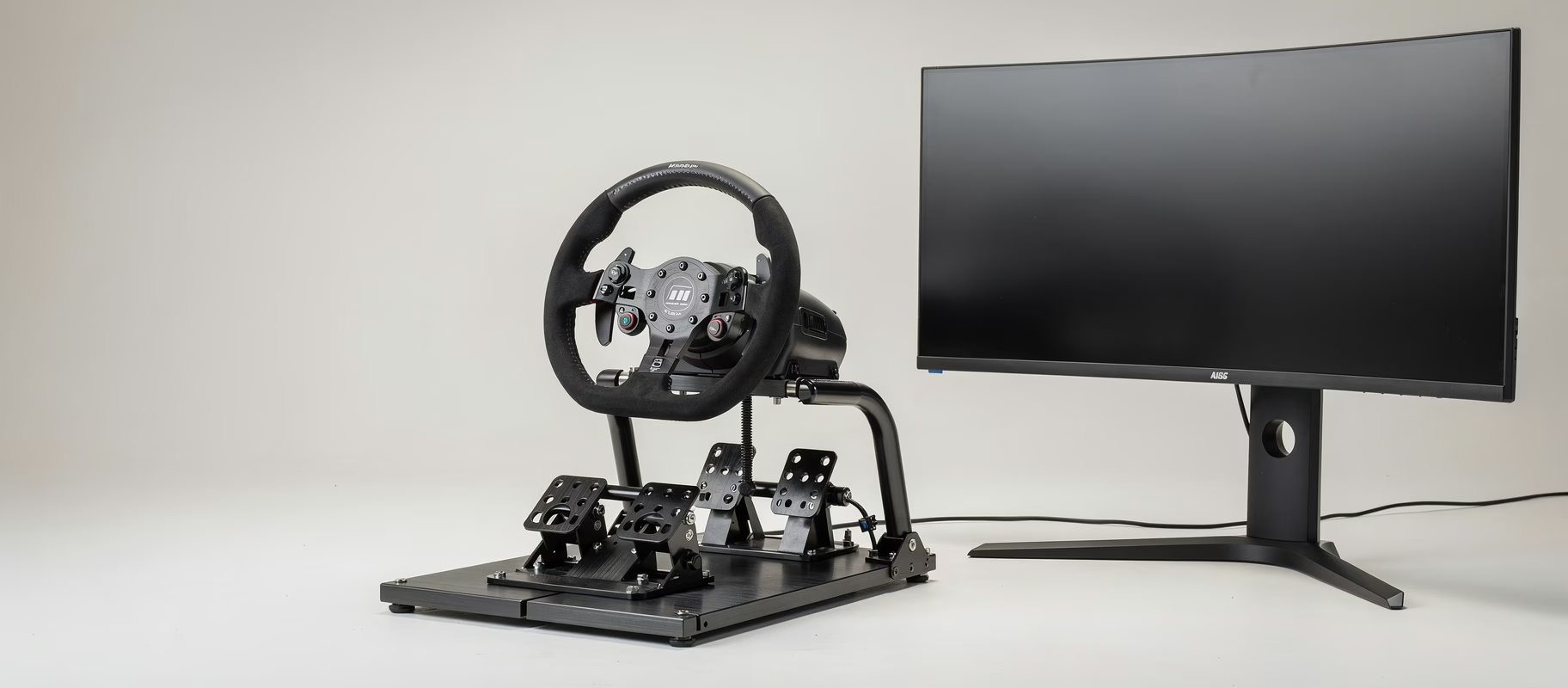
Beginners stare at the base. Meanwhile your feet do just as much work. The R5 bundle comes with SR-P Lite pedals with Hall sensors: they measure how far you press the brake, not how hard. Fine to start with, but braking consistently at the limit is harder.
The RS50 System has no pedals at all. You buy the RS Pedals separately, at €149.99 list price in Europe. For that you do get a load cell brake rated to 75 kg. A load cell measures pressure instead of pedal travel, and that feels more predictable, especially right before the braking limit. Logitech also sells a bundle of the RS50 System with RS Pedals.
Going with the R5 and want a load cell later? The Moza SR-P Pedals are the obvious step: load cell brake up to 100 kg and the same Pit House software. Want more, then the Sprint 2-pedal set from Heusinkveld is a big step up, and a big step up in price too. Load cell brake, six brake resistance settings, all adjustable in SmartControl. Know what you’re signing up for: no clutch, up to 65 kg of brake force (so a rigid frame is a must) and the software only runs on Windows 10 or newer.
What should you expect to pay?
Do the maths, because this is where the trap is. The R5 bundle lists at €479 and regularly drops to around €399. That gets you base, wheel and pedals. The RS50 System is €579.99 at Logitech, and the RS Pedals come on top of that. For a complete set you can actually race with, you’re quickly looking at around €700 with Logitech (a bit less with a bundle discount). That’s almost double.
You do get something for it: console support, 8 Nm and a load cell brake. But are you a PC racer on a tight budget? Buy an R5, add the SR-P pedals later, and you still spend less. Prices change, so check the product links for the current numbers.
Who should buy the Moza R5?
- You race only on PC.
- You want a complete direct drive set (base, wheel, pedals) for the lowest price.
- You want to be able to move up to a stronger base within the same brand later.
- You’re fine upgrading the pedals down the line.
Who should buy the Logitech RS50?
- You race (also) on PlayStation or Xbox.
- You want more torque (8 Nm), for example for GT3.
- You have the budget to buy the RS Pedals straight away, which gets you a load cell brake from day one.
- You want TRUEFORCE in the games that support it.
Common misconceptions
“More Nm is always better.” For an absolute beginner, a stronger motor can just be tiring. The R5’s 5.5 Nm is plenty for a lot of cars. You’ll mostly notice the RS50’s 8 Nm in heavy GT3 cars.
“Every RS50 works on every console.” No. Which consoles you get depends on the version: PC, PS/PC or Xbox/PC. For all three, you need the PS version plus the RS Wheel Hub for Xbox. So check what you’re putting in your basket.
“The RS50 System is a complete set.” Also no. Base, hub and wheel, yes. Pedals, no.
“Basic pedals are just as accurate as a load cell.” Not really. A load cell measures pressure, a basic pedal only how far you press it. The faster you get, the more you’ll notice.
So, which one?
Racing only on PC and want the cheapest complete direct drive set? Moza R5. Upgrade the pedals to the Moza SR-P Pedals later and you still end up with a load cell brake for less money. Racing on PlayStation or Xbox, or want 8 Nm and a load cell brake right away and budget matters less? Logitech RS50, but count the RS Pedals in your budget. Either way, check the current price and what’s in the box through the product links.