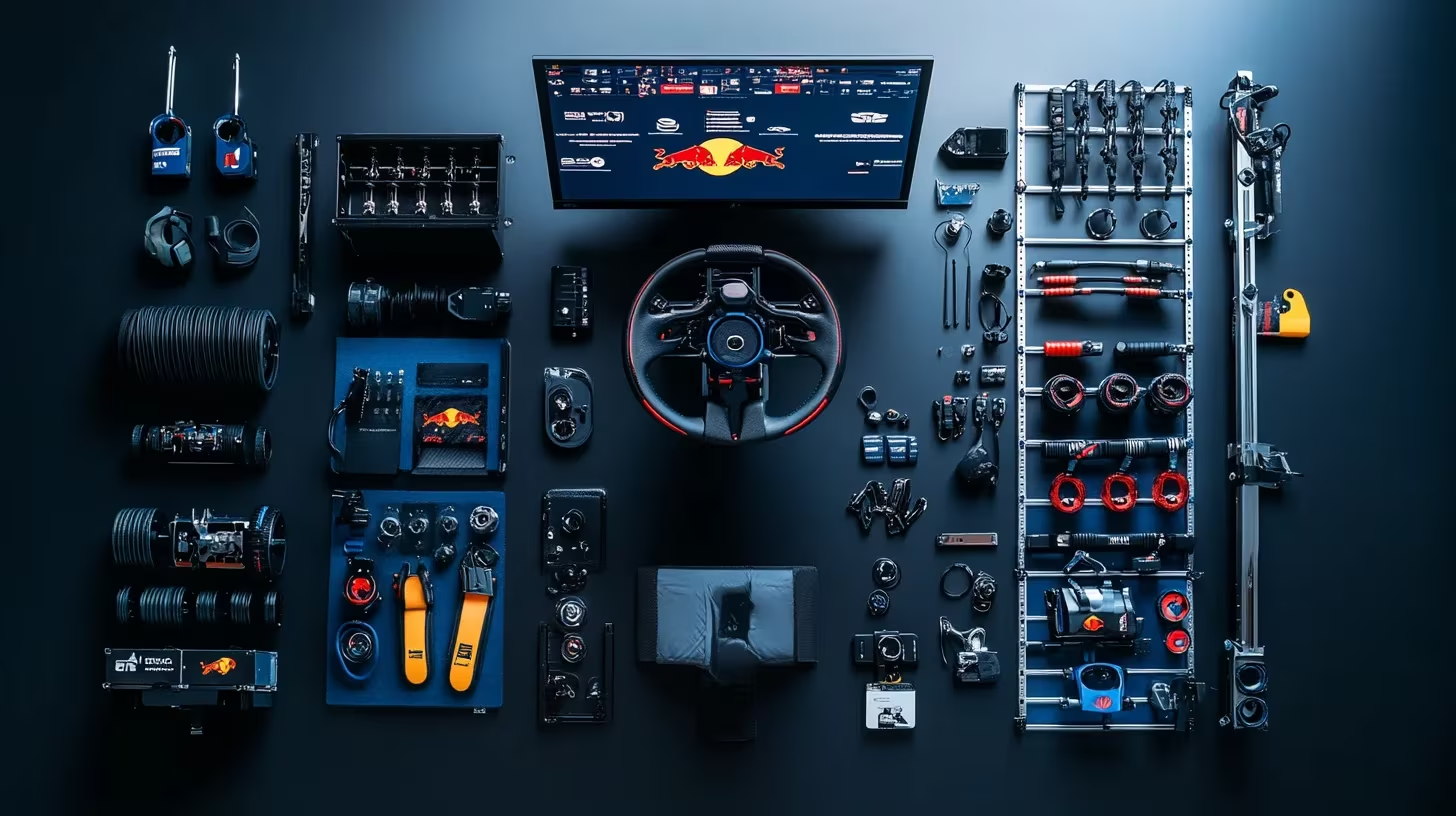
This is part two of our Max Verstappen series. In part one we dove deep into his hardware. Now we translate those insights into concrete builds that fit your budget and ambitions – without having to put down €30,000 right away.
Where Max gets his advantage
Before we tackle budgets, first the principles that make Verstappen’s rigs so effective:
- Rig stability. A cockpit that doesn’t shift a millimeter makes every input consistent.
- Load-cell braking. Braking on pressure instead of travel creates muscle memory.
- Force-feedback quality. Filters and linearity count more than a higher Nm number.
- Telemetry & planning. Every session has a goal and is evaluated.
These four pillars also apply to your setup – regardless of price class.
Tiers: from beginner to Verstappen level
Tier 1 – Smart entry (€850 – €1,100)
- Wheelbase: Moza R5 Bundle or Thrustmaster T300 RS GT for console.
- Pedals: Thrustmaster T-LCM – direct jump to load cell braking.
- Cockpit: Playseat Challenge or a budget wheel stand.
- Software: Crew Chief + MoTeC (free) to analyze braking points.
Why this works: you immediately build muscle memory and experience direct-drive or premium belt feedback without your house being full of aluminum profiles. Perfect to discover if league racing is something for you.
Tier 2 – Enthusiast & league-ready (€2,200 – €3,200)
- Wheelbase: Fanatec CSL DD (5 Nm) with Boost Kit or Moza R9 for 9 Nm headroom.
- Pedals: Fanatec CSL Elite V2 or Moza SR-P.
- Cockpit: Sim-Lab P1-X or Next Level Racing Elite for aluminum profile rigidity.
- Wheel: Fanatec McLaren GT3 V2 (included in CSL DD Ready2Race Bundle) or a round rim for rally/GT.
- Displays: Start with a 27” 144 Hz monitor; expand to triples later.
Why this works: you have enough torque and braking precision to be competitive in iRacing splits or endurance leagues. The rig is modular, so upgrades can be done step by step.
Tier 3 – Pro training (€4,500 – €7,500)
- Wheelbase: Simucube 2 Pro for the same TrueDrive profiles as Team Redline.
- Wheel: Precision Sim Engineering LM-X for endurance, combined with a GT rim.
- Pedals: Heusinkveld Sim Pedals Ultimate+.
- Cockpit: Playseat F1 Ultimate for single-seater position OR Sim-Lab P1-X for hybrid positions.
- Screens: Triple 32” QHD 144 Hz or a high-end ultrawide.
- PC: i7/i9 or Ryzen 7/9 with RTX 4080+, 32 GB RAM.
Training blueprint: plan sessions like Max does: baseline → braking points → race pace → qualifying. Analyze every stint in MoTeC or VRS and have a teammate review.
Tier 4 – Verstappen-spec (from €25,000)
- Wheelbase: Simucube 2 Pro + Lionscape filters or Leo Bodnar SimSteering2.
- Pedals: Simucube ActivePedal combined with Heusinkveld modules.
- Cockpit: Custom carbon (Playseat F1 Ultimate) AND mobile Sim-Lab P1-X.
- Rims: Precision Sim Engineering LM-X + multiple Ascher Racing wheels.
- Accessories: High-end button boxes, Heusinkveld Mag-Shift, dedicated telemetry PC.
- Team: Engineers who prepare sessions and review data.
Not necessary to drive fast times, but it illustrates how far Max and Team Redline go to perfect every detail.
Ergonomics and settings – Max’s focus points
Seating position: Keep your elbows slightly bent, wheel at chest height and pedals so your knees are bent ±120°. An F1 position requires a raised pedal tray or a rig like the Playseat F1 Ultimate.
Force Feedback: In iRacing, Team Redline often uses 15–18 Nm max force on a Simucube 2 Pro. Scale this to your hardware; prevent clipping and let TrueDrive or Fanatec Control Panel filters do the heavy work. More tips in our Direct Drive vs Belt-Driven guide.
Pedals: Set the load cell so that 100% brake pressure equals the maximum force you can comfortably sustain for 30 laps. Use SmartControl (Heusinkveld) or Moza Pit House to build a progressive curve – hard adjustable second half = better trail-braking.
Software stack for growth
- Crew Chief: free spotter, fuel calculator and pace feedback.
- VRS or Coach Dave Academy: compare your telemetry with faster reference laps.
- MoTeC i2 Pro: load your data and view brake traces, throttle and steering angle. Start with the Overlay function to see sector by sector differences.
- SimHub: build dashboards or external LED bars for shift lights and flags.
- Planning: Use a simple Notion or Google Sheet template to log sessions – focus, track, car, what worked and what didn’t.
Roadmap: how to keep making progress
- Baseline: Choose one car + two circuits and drive fixed stints.
- Analysis: Compare your data with a faster driver; note three improvement points.
- Iteration: Adjust one hardware or setup variable at a time; test at least 10 laps.
- Routine: Plan fixed training blocks (e.g. 4 × 45 min per week) without distraction.
- Community: Join a league or Discord (Team Redline Academy, Dutch leagues) for feedback and setups.
Ready to upgrade your rig?
Browse through our complete product guide to choose your next upgrade: view all categories. Want to go back to the exact hardware Max uses? Read Max Verstappen’s Sim Rig Dissected.
Have questions or want customized advice? Leave a comment or send us a message – we’re happy to think along.