I Thought My Brand New DD Wheelbase Was Dead
It was a Tuesday night. Finally, time to put my shiny new direct-drive wheelbase through its paces. Fired up iRacing, took the outlap at the Nürburgring, and… what the hell was that? It felt like I was driving over gravel. A grainy, buzzing sensation in my hands. My first thought? “Great. I’ve bought a €600-€800 paperweight.” I was ready to find the box.
But hold on. Before you blame your fancy new hardware (or worse, start an RMA) chances are the problem is somewhere else. It’s usually something small. Something stupid. Something you can fix.
Let’s exorcise the most common ghosts in the machine.
That Grainy, Sandy FFB Feeling (And How To Kill It)
This is the number one complaint. You expect smooth, direct forces and instead it feels like there’s sand in the bearings. Annoying.
Most of the time, this isn’t a hardware fault. It’s a software thing. A settings thing.
First, the basics: Interpolation or Smoothing. Many wheelbases have a filter to dampen high-frequency ‘noise’ from the game. Set it too low, and you feel every rough edge of the game’s FFB output. Set it too high, and you lose all detail. It’s a balance. Start with a value around 10-15 in your wheelbase software (Fanatec Fanalab, Moza Pit House, etc.) and tweak it per car. Older GT3 car? Maybe more smoothing. A formula car? Crank it back.
Then there’s FFB clipping. This is the real culprit. When your FFB signal hits its maximum (it ‘clips’) all nuance turns into a flat, vibrating mush. It sounds like your wheelbase is overworked. And it is. The fix? Turn down your in-game FFB strength. Use the in-game FFB meter. Make sure it only hits red in the hardest corners or on impacts. The rest of the time, it should be green or yellow. More isn’t better here. It’s just… grain.
Power? Make sure your wheelbase is getting enough. A weak or overloaded USB port can do weird things. Plug it directly into a motherboard port. Not a hub.
Why Your Wheelbase Randomly Lets Go (And How To Make It Stop)
Nothing is more terrifying than feeling your wheel go limp halfway through Eau Rouge. Disconnections.
Usually, the fault lies with USB. Always USB. That tiny, treacherous connector.
Check your cable. Is it clicked firmly into the wheelbase? Seriously, push it in again. Use the original cable if you can. A too-long or cheap cable can cause power or data issues.
Next, Windows power management. Windows is lazy. It puts USB ports to sleep to save power. Go to Power Options -> Change plan settings -> Change advanced power settings -> USB settings -> USB selective suspend setting. Disable that. Forever.
Firmware. Yeah, I know. Nobody wants to update firmware. It feels risky. But outdated firmware can cause instability. Go to your manufacturer’s website, download the latest, and follow the instructions to the letter. Close all other programs. Don’t do it mid-way through a race night.
That Godawful Knocking and Rattling
A new noise. A hard clunk when turning off lock. A rattling sensation on small corrections. Your heart sinks.
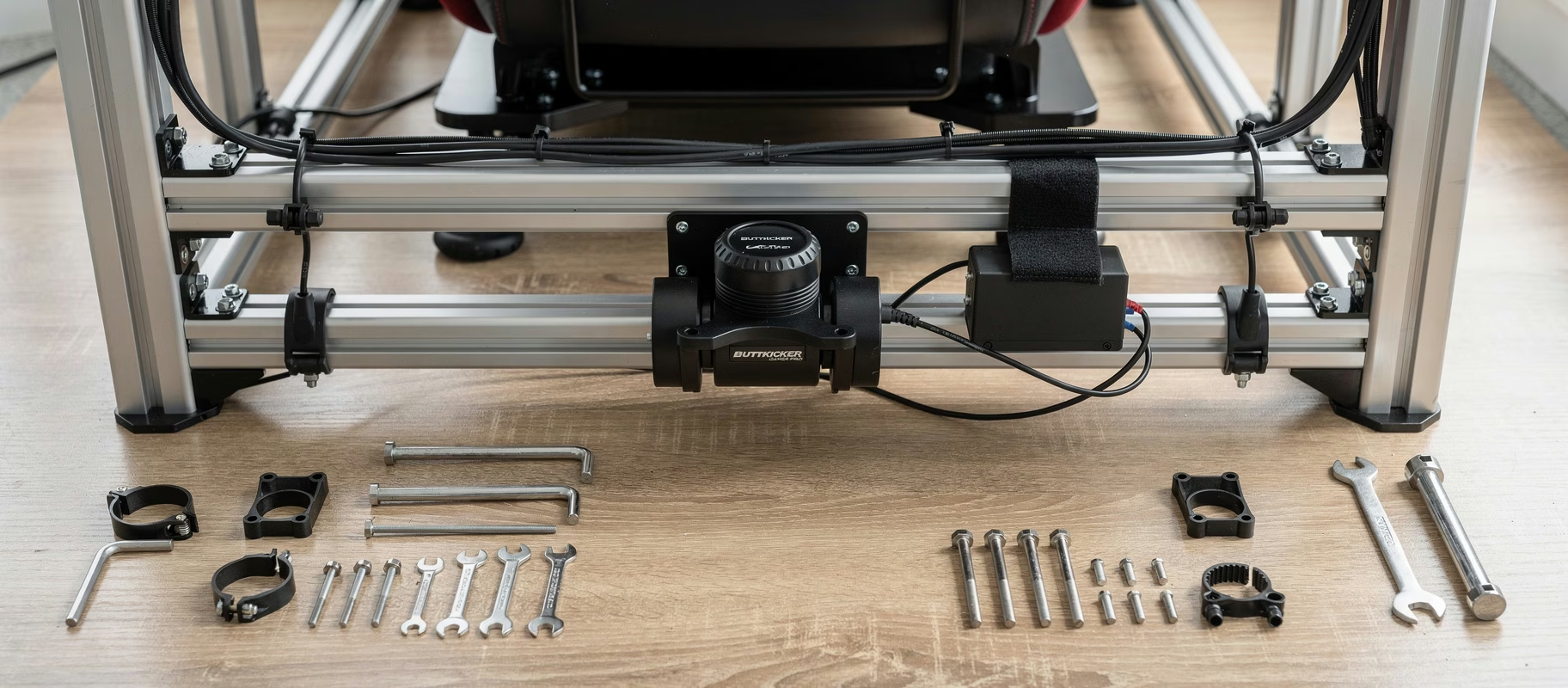
Often it’s simply play. Check all mechanical connections. Is the wheelbase bolted down tight to your rig or desk? No wobble? Is the wheel itself properly secured to the hub? Are you using the right torque key to tighten it? Play here translates directly to knock in your hands.
Then there’s Notchy FFB. Some lower-cost DD motors can have a slight ‘cogging’ feel at very low speeds, due to magnetic properties. This is often normal. But if it’s extreme, a firmware update might help, or tweaking the Interpolation (there it is again) or Damping settings.
A hard, mechanical clunk? That could be something else. If it only happens on power-up or shutdown, it’s often just the motor unlocking. Not a problem. If it happens mid-corner, and your wheelbase has a Slip Mode or Force Limit setting, check that it’s not set too aggressively.
If the noise is clearly internal and sounds mechanical… it might be time to contact support. But check everything above first.
The Firmware Nightmare (And How To Wake Up)
“Firmware update failed.” The worst words.
The golden rule: Use the manufacturer’s official tool. No third-party junk. Connect your wheelbase directly to the PC, not through a hub. Close all other programs, especially other controller software like Steam Input, VJoy, or even LED control apps.
If an update gets stuck, don’t panic. Don’t yank the power! Usually, you can just restart the process. Plug the wheelbase in, launch the tool again, and it will often recognize a device in ‘recovery mode’.
After an update, reset your wheelbase profile to factory defaults. Sometimes old settings stick around and cause conflicts. Start clean.
The Things Nobody Wants To Admit (But Are True)
Sometimes the problem is between the seat and the screen. Sorry.
We got used to gear-driven or belt-driven wheelbases that filtered out a lot of the noise. DD is ruthlessly honest. It transmits everything. Poorly optimized FFB in an older title? You’re gonna feel it. A messy, untuned FFB config file? You’re gonna feel it. DD demands more time in the menus. More patience.
And sometimes, just sometimes, you got a lemon. Hardware can be faulty. But exhaust all software fixes first. Document what you tried. Then, when you contact support, you don’t sound like someone who didn’t read the manual. You sound like someone who did their homework. That helps.
So, Is It Broken?
Probably not. Start at the beginning. USB. Power. Basic FFB settings (no clipping!). Firmware. Mechanical fastening.
It takes time. It’s frustrating. But fixing it, that feeling when the graininess vanishes and smooth, informative force remains, that’s worth it. That’s what you paid for.
Don’t assume it’s broken. Assume it’s stupid. And fix it.