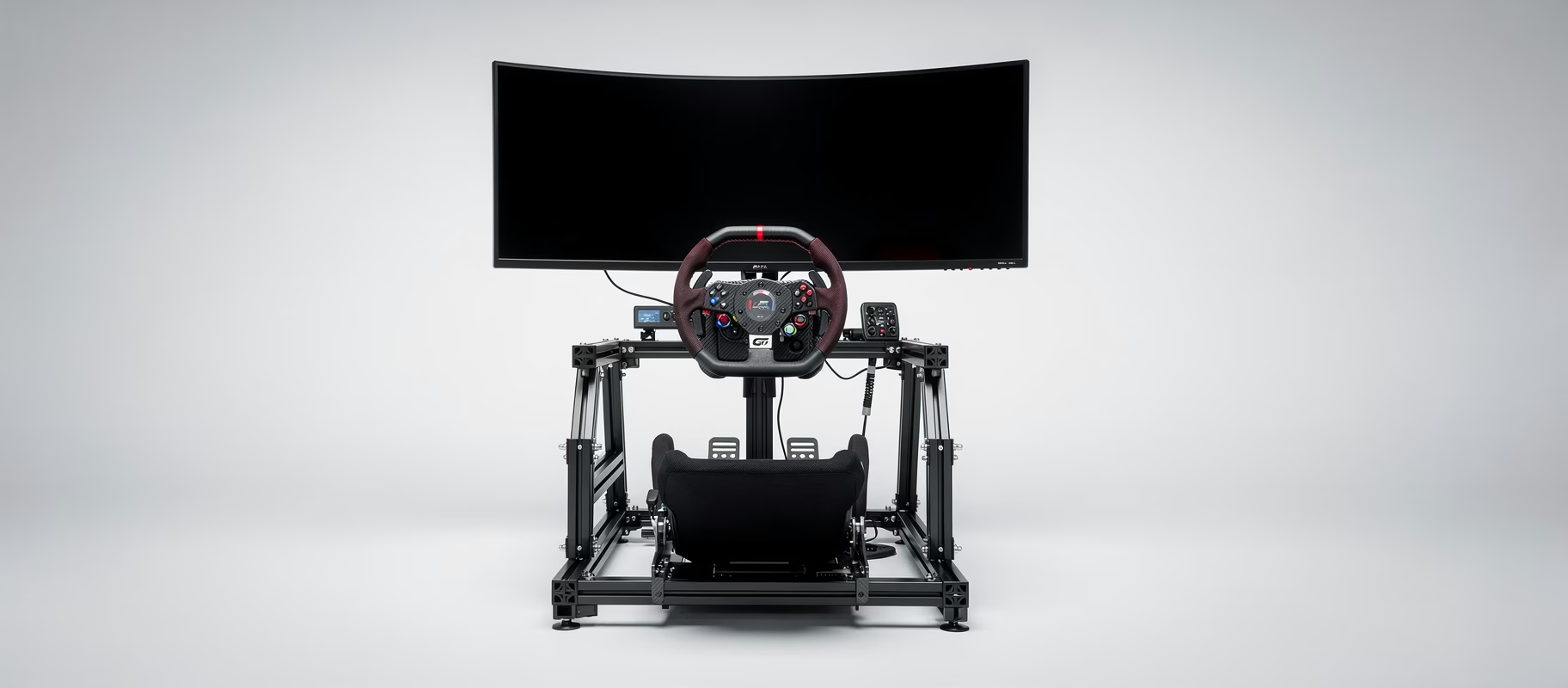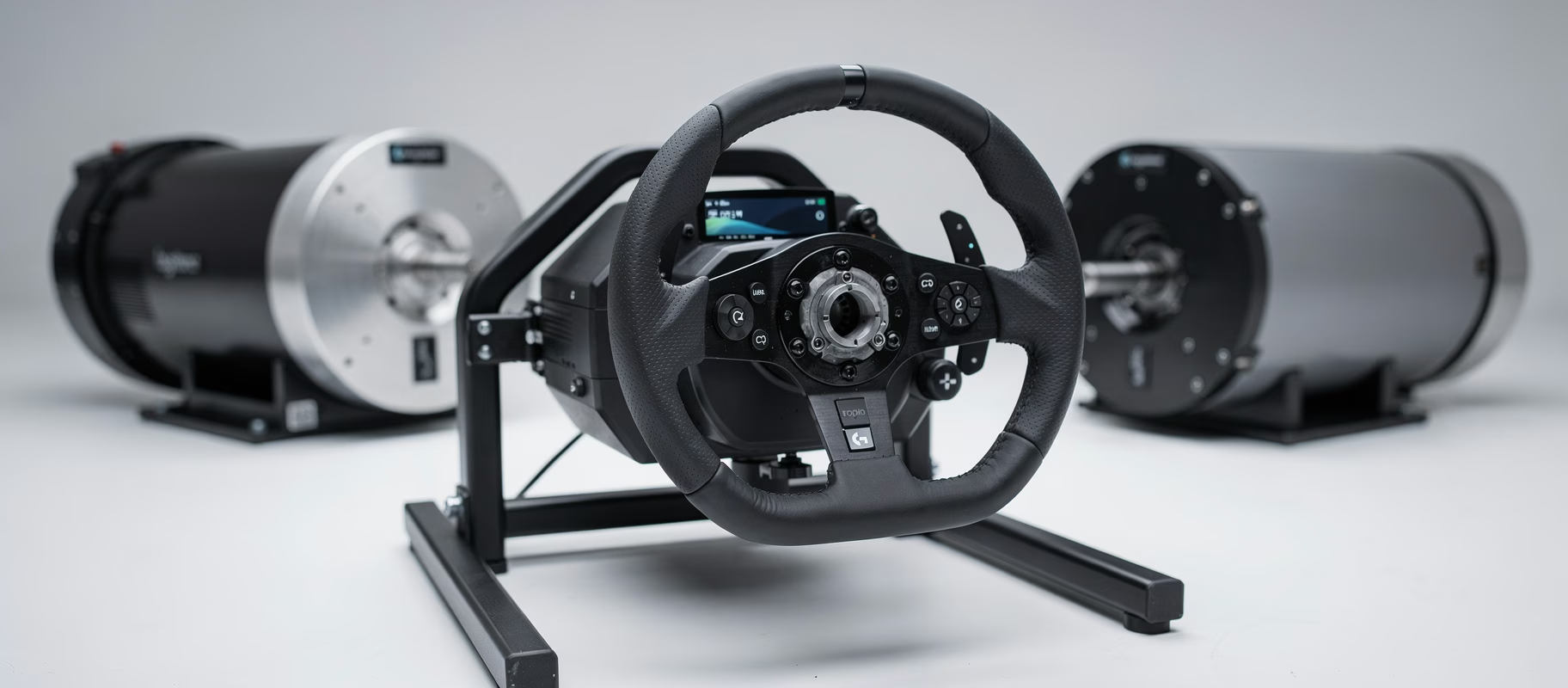
I was in the middle of a race. Of course. Final lap at Spa, just before the Bus Stop. Then my Simagic Alpha Evo Pro started to buzz. Not the subtle, informative buzz of a powertrain. This was an aggressive, mechanical vibration rattling through my entire rig. Like a loose bolt was flying around inside the motor. My weekend was ruined.
And I wasn’t alone. Scroll through Reddit or Discord and you’ll see them: the desperate posts. “Horrifying noise from Simagic Alpha EVO.” “My wheel is wobbling like crazy.” The pattern is often the same: everything worked perfectly, then a firmware update hit, and the fun was over.
Here’s my firm opinion: the biggest enemy of your direct-drive wheelbase isn’t wear and tear. It’s a bad update. Or, more precisely, the lack of a solid rollback option when that update goes sideways. Let’s stop that noise.
Why Your Wheelbase Suddenly Acts Up
You just upgraded. From a gear-driven or belt-driven system to this powerful direct-drive motor. It feels like magic. Until it doesn’t.
The problem is almost never the hardware. Simagic builds solid gear. Those awful vibrations, the jerky steering feel, or that ‘wobbling’ sensation mid-drift? That’s almost always software. Or, more specifically, the communication between the firmware on your wheelbase, the driver on your PC, and the profile you’re using.
An update can disrupt that communication. A corrupted profile can do the same. Sometimes it’s a combination. The result is the motor getting commands it doesn’t understand, or too many, or too harsh. And then it protests. Loudly.
The First Aid Kit: Three Steps to Try Right Now
Before you dive into the firmware rabbit hole, do this. It fixes 50% of the problems.
1. Check your cables. Seriously. I know, it sounds dumb. But that USB cable from your wheelbase to your PC? Unplug it. Blow out any dust. Plug it back in, preferably into a different USB port. Use a port directly on the motherboard, not through a hub. A loose connection can cause all sorts of weird signals.
2. Restart the Simagic Management Software (SMS). Close it completely via the system tray. Launch it again. Sometimes the connection gets stuck and a restart resets the handshake.
3. Switch profiles. Open SMS. Click on ‘Profile’. Load a different, default profile. Like ‘SimPro 1’ or ‘SimPro 2’. Test it immediately in your sim. Does it feel good? Then your old profile is corrupt. Just create a new one. Copy your FFB settings over manually. Annoying, but it works.
No luck? Time for the heavy artillery.
The Nuclear Option: Rolling Back Firmware (Your Life Raft)
This is what most people are afraid of. It sounds complicated. It’s not. It’s your life raft when a new firmware bricks your feel.
Why roll back? Simagic pushes updates to add features or fix bugs. But sometimes a fix introduces a new bug for your specific setup. The community often cites specific versions that were ‘rock solid’. Find that, and you want to go back.
How to do it:
- Download the old firmware. Search the official Simagic website or community forums (like the Simagic Discord) for an archive of older firmware files. Save the .hex or .bin file to your desktop.
- Open SMS and go to ‘Firmware Update’.
- Click ‘Local Update’ or ‘Choose File’. Browse to the downloaded old file.
- Follow the instructions. The wheelbase will reset and reboot. Keep your hands off the wheel during this.
- After the update: Calibrate. In SMS, go to ‘Settings’ or ‘Calibration’ and perform a full calibration of your wheelbase. This is not optional.
Crucial: Close all sim software and game launchers (Steam, etc.) before doing this. Don’t let anything run that might talk to the wheel.
Profile Management: The Silent Killer of Your FFB
You can have the perfect firmware, but if your profile is a mess, the wheel will still feel awful. Profiles store all your FFB settings: gain, damping, friction, inertia. Everything.
The problem? They can get corrupted. A crash of the SMS software while the profile saves. A game doing something weird. Who knows.
My approach: I have one ‘Master’ profile in SMS. That’s my baseline for all games. Then, within each game, I adjust the FFB settings via the in-game menu. I keep the SMS settings fairly neutral (e.g., Gain at 100%, the rest low) and fine-tune in the sim. Why? Because games calculate their FFB differently. If you apply too many filters in SMS, you’re smothering the signal before the game even sees it.
When you make a new profile:
- Name it something recognizable. “iRacing_Baseline” or “ACC_GT3”.
- Start with one of the SimPro presets.
- Change one setting at a time. Drive a few laps. Feel the difference. This is boring. It’s also the only way to understand what each slider does.
- Export your good profiles! In SMS there’s an ‘Export’ button. Save that .json file somewhere safe. Cloud, USB stick, whatever. This is your backup.
That Annoying ‘Wobble’ and How to Kill It
That jerky, unstable feeling, especially when you let go of the wheel or during oversteer? That caused the most panic in the Reddit threads.
It usually comes down to two things:
- Too high ‘Inertia’ or ‘Damping’ in SMS. These filters are meant to make the wheel feel heavier and slower, like a real car. Crank them too high, and the motor fights its own movement. The result is an oscillating, wobbling motion. Set ‘Inertia’ and ‘Damping’ to 0. Test. Then add back a tiny bit if the wheel feels too light.
- Double FFB calculation. This is the classic. You have FFB settings in SMS and in the game, and they’re working against each other. The rule: Use one place for your main FFB. Usually, that’s the game itself. In SMS, set your ‘Overall Force’ or ‘Gain’ to 100%, and set all other effects (Spring, Damper, Friction) to 0. Then set your FFB strength in the game. This gives you the purest signal.
When It’s Actually the Hardware (The Rare Scenario)
Okay. You’ve rolled back firmware. You’ve reset profiles. You’ve zeroed all filters. And that Alpha Evo Pro is still making a mechanical, grinding noise. Then.
Then you look at:
- The Quick Release (QR). Is it tightened properly? Is there play between the wheel and the wheelbase? Try a different wheel or the original hub if you have it. Play in the QR can cause horrible vibrations.
- The mounting to your rig. Is your whole cockpit shaking along? Then it might not be the motor making noise, but your profile tubes rattling. Put your rig on rubber feet or a mat.
- The motor itself. This is rare. But if you hear a constant, loud, mechanical hum, even when the wheelbase is on but not calibrated (so it should be ‘silent’), then something might be physically wrong. Contact your dealer. Simagic has good warranty support.
A Conclusion? There Isn’t One.
The point is this: you’re not powerless. That noise, that vibration – it’s an error message. A really loud one. With these steps, you track down the cause. Start simple. Cables, restart, profile. Then the deep work: firmware and filters.
Most problems are software. And software you can fix. Sometimes that means going back to an older, more stable version. And that’s okay. Newest isn’t always best. It’s about what works. Right now. So you can get back to racing. Without your teeth rattling.
Don’t assume you broke something. Assume you need to reset something. And start with the plug.