Moza & Simagic Pedal Setup Perfected: A Complete Guide to Stop Leg Pain
You’ve just invested in a set of high-end load cell or hydraulic pedals from Moza or Simagic. The precision and realism are fantastic, but after a few races, you feel a nagging pain in your legs, knees, or back. You are not alone. Many sim racers experience this after upgrading from standard pedals to high-resistance ones. The good news: this is almost always solvable with the correct ergonomic setup and proper calibration. In this comprehensive guide, we will walk you through step-by-step on how to set up your Moza pedals or Simagic pedals for maximum comfort, performance, and pain-free driving.
Why Does It Hurt? The Root Cause of Discomfort
The switch to load cell or hydraulic pedals is a world of difference. Instead of measuring how far you push the pedal (potentiometer), these pedals measure how hard you push (force). This requires significantly more leg strength, especially when braking. If your setup is wrong, you use inefficient muscle groups, slouch in your seat, or strain your joints. Common mistakes are:
- Incorrect pedal angle: Too steep or too flat for your body.
- Wrong distance: Too far away, forcing you to stretch your legs.
- Too high resistance: You set the load cell too stiff without building the muscles.
- Poor seating posture: A bad angle in your hips and knees.
The Foundation: Your Perfect Sim Rig Ergonomics
Before you even touch the software, everything starts with your physical position. Think of a race car: the driver is clamped into a perfect posture.
Your Chair or Rig Seat
Your seat pan should be fully supported. Adjust the backrest so your hips are at an angle of approximately 100-120 degrees. You should be able to push hard without your back sliding up the seat. A slight tilt (5-15 degrees) of the seat base can help you ‘sit into’ the frame better.
The Distance to Your Pedals
This is crucial. Sit comfortably and fully extend your leg. Your heel should rest on the pedal plate, with your ankle in a neutral, relaxed position. Your knee angle at full extension should be around 130-145 degrees. If you have to stretch to reach the pedal, it’s too far. If your knee is bent too sharply, it’s too close.
Setting the Pedal Angle
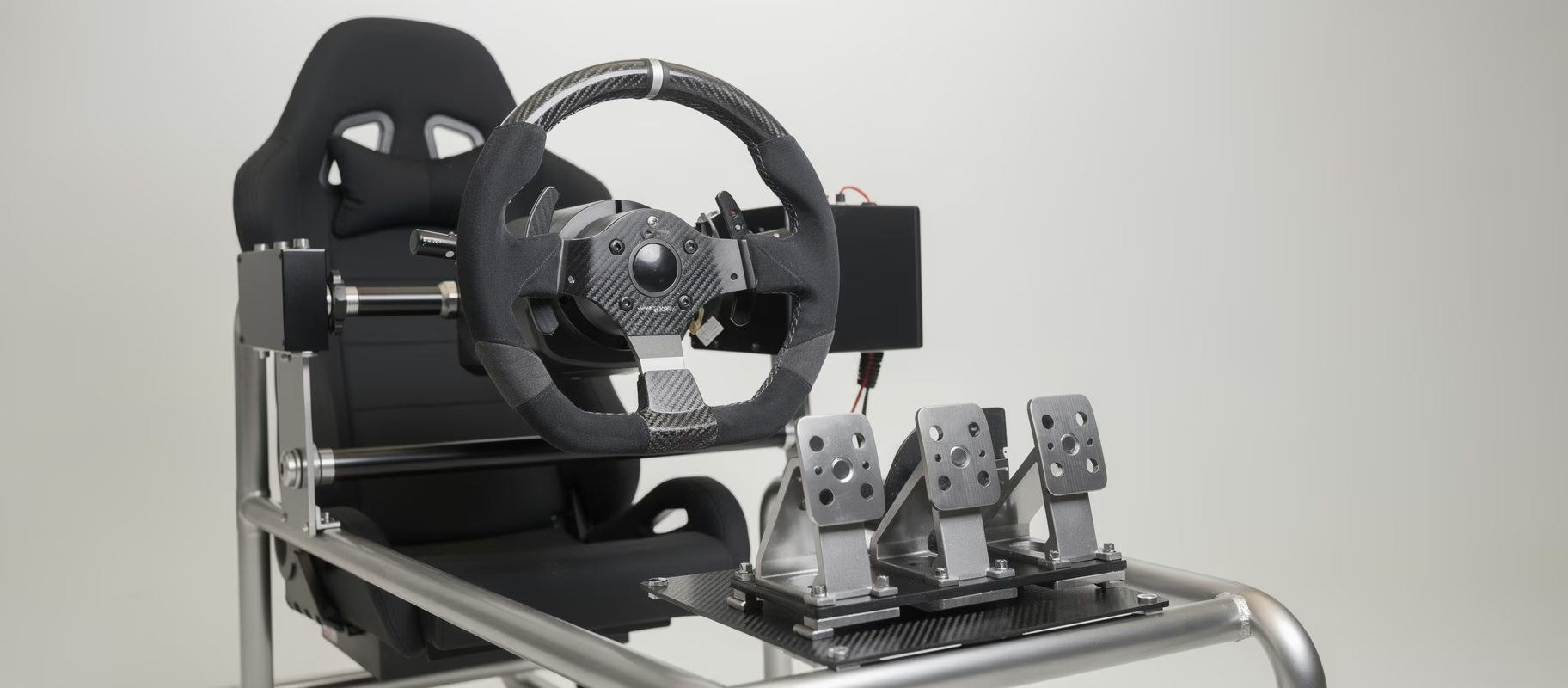
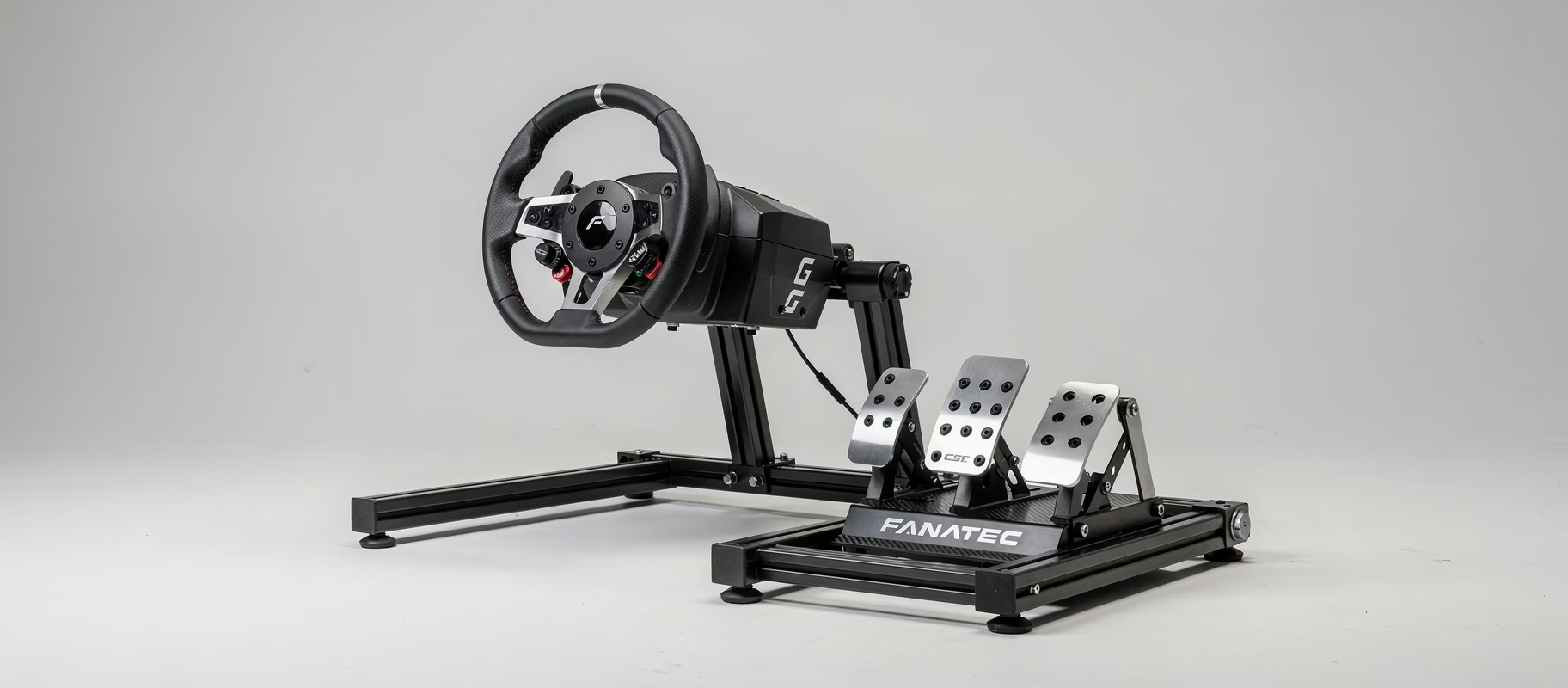
Most high-end pedals, like the Moza SR-P and Simagic SRP, have an adjustable pedal plate or individual pedal angles. The goal is for your foot to fall naturally onto the pedal.
- Place your foot in the ‘resting position’ on the throttle.
- Pivot your foot to the brake pedal without rotating your hip or knee.
- The pedal plate should be tilted so the sole of your foot makes full contact when braking. An angle between 10 and 30 degrees (relative to the floor) is ideal for most people. Too flat strains your ankle, too steep strains your knee.
Calibrating Your Moza or Simagic Pedals for Comfort
Now that the physical setup is correct, let’s move to the software. The goal is a linear and predictable force curve that matches your muscle strength.
The Most Important Setting: Maximum Force (Max Force/Brake Force)
This is the number one reason for leg fatigue. Beginners often set this too high in search of ‘realism’. Start low.
- Moza Pit House: Go to the pedal settings and find ‘Max Force’ or ‘Brake Force’. Start with a value around 30-40kg.
- Simagic Manager: Look for the ‘Max Load’ or similar setting for the load cell.
Drive a few laps. Can you press the brake to 100% without extreme effort? Then increase in small increments (5kg). The goal is a force level where you can consistently apply 80-90% brake pressure during a race without your leg shaking after 5 laps. Realism comes from consistency, not pure pain.
Deadzone and Curves
- Deadzone: Set this to 0% for load cell brakes. You want every input registered.
- Curve (Response Curve): Keep this linear (a straight line) when starting. Advanced racers sometimes use a non-linear curve to soften the initial brake bite, but this is advanced fine-tuning.
Setting Throttle and Clutch
For the throttle pedal (usually a potentiometer), a small deadzone (1-2%) can be nice to filter out vibrations. The curve can remain linear. The same applies to the clutch, unless you are simulating a bite point, which is more advanced.
The Break-In Period: Building Your Muscles
Don’t expect to race for an hour straight at 80kg brake force right away. You are using new muscle groups.
- Week 1: Focus on short sessions (15-20 minutes) at a low to medium force setting.
- Week 2-3: Gradually lengthen your sessions. You can now cautiously increase the Max Force if it feels comfortable.
- Consistency: Short, frequent sessions are better than one marathon that leads to pain.
This is not ‘breaking in’ the pedals, but breaking in your body. Give it time.
Advanced Tips & Common Mistakes
- Misconception: “The harder the brake, the more realistic.” Wrong. An F1 brake is stiff, but a GT3 brake has plenty of travel. Tailor it to the car you usually drive.
- Wear Shoes: Sim racing shoes or thin, flat-soled shoes (e.g., water shoes) provide much more consistency and protect your feet, allowing you to press with less overall force.
- Pedal Placement: Ensure the brake pedal is aligned with your right leg. You should be able to push straight forward, not at an angle.
- Pain in the Ball of Your Foot? Consider a pedal plate with a rubber insert or an aftermarket pedal face with more grip and damping.
Conclusion: Comfort is Speed
Pain is a signal that something is wrong. By first positioning your Moza or Simagic pedals ergonomically perfectly and then calibrating them carefully, you are investing not only in your comfort but also in your consistency and lap times. Start with a low force, build up slowly, and listen to your body. A good setup should feel like a natural extension of yourself, not a battle. Good luck and happy, pain-free racing!
Do you have specific questions about your Moza or Simagic pedal setup? Share your experiences in the comments!