Why Forza Horizon 6 Hates Your Wheelbase (And How to Fix It)
I’ve been there. You probably have too. You install Forza Horizon 6, plug in your shiny new Moza R9, fire up the game and… what is this? The wheel feels like a mop in a bucket of water. No feedback, no grip, nothing.
You’re not alone. Forza Horizon games are notorious for having terrible wheel support out of the box. It’s like the developers assume everyone plays with a controller. But let me tell you, with the right settings, it becomes a completely different experience.
So. Let’s fix it.
The Basics: Why Default Settings Don’t Work
Forza Horizon 6 uses a force feedback system that’s different from most sims. It’s not as subtle as iRacing or ACC. It’s more (how do I put this) arcadey with a sim veneer.
Here’s the problem: the game sends too much noise to your wheel. Road vibrations, bumps, the engine shaking, all garbage you don’t want to feel. You want to feel grip. And the limit of that grip.
So we need to filter that out.
Moza Settings for Forza Horizon 6
I drive with a Moza R9 myself, so I know the pain. But the settings below also work for the R5, R12, R16, and R21. The principle is the same.
Moza Pit House Settings (Outside the Game)
First, the software. Open Moza Pit House. Here’s what you set:
- Wheel Rotation: 540° (yes, less than the default 900°, you need faster steering response for FH6’s chaos)
- Force Feedback: 100% (let the game do most of the work)
- Damper: 10% (just enough to dampen oscillations, no more)
- Spring: 0% (no effect, so off)
- Road Feel: 0% (this only adds noise)
- Mechanical Damper: 15% (helps against the ‘loose’ feeling)
- Speed Damper: 0% (let the game handle this)
Warning: Don’t set FFB in Pit House above 100%. You won’t break your wheel, but it’ll become uncontrollable chaos.
In-Game Moza Settings
Now the game itself. Go to Settings > Controls > Advanced. This is your salvation:
- Force Feedback Scale: 0.8 (80%, less is more here)
- Mechanical Trail Force: 0.6 (helps with front tire feel)
- Pneumatic Trail Force: 0.3 (subtle, but important for grip)
- Road Feel: 0.2 (low, so you only feel the important stuff)
- Off-road Feel: 0.4 (slightly higher, because off-road is a big part of FH6)
- Steering Sensitivity: 0.5 (linear, as it should be)
- Steering Linearity: 0.5 (stay linear, don’t curve it)
- Vibration Scale: 0.3 (vibrations are fun, but not when they drown out feedback)
- Force Feedback Understeer: On (important! This tells you when you’re going too fast)
- Minimum Force Output: 0.1 (so weak signals aren’t lost)
I know, lots of numbers. But trust me, this is tested. I spent hours tweaking until it felt right.
Fanatec Settings for Forza Horizon 6
Fanatec users, you haven’t been forgotten. It’s a bit different, but the principle remains.
Fanatec Wheel Base Settings (via Display)
On your wheelbase itself (or via Fanatec software):
- SEN (Sensitivity): 540° (same reason as Moza, faster steering)
- FFB (Force Feedback): 100 (let the game decide)
- SHO (Shock): 50% (middle ground, not too harsh)
- ABS: 50% (if your wheel supports it, otherwise off)
- DRI (Drift Mode): -2 (light damping, no drift assist)
- FEI (Force Effect Intensity): 100 (full strength)
- FOR (Force Effect): 100 (same)
- SPR (Spring): 0 (off)
- DPR (Damper): 10 (light damping)
In-Game Fanatec Settings
Same menu as Moza. Here’s what I recommend:
- Force Feedback Scale: 0.7 (70%, Fanatec often has strong feedback, so slightly lower)
- Mechanical Trail Force: 0.7
- Pneumatic Trail Force: 0.4
- Road Feel: 0.2
- Off-road Feel: 0.5
- Steering Sensitivity: 0.5
- Steering Linearity: 0.5
- Vibration Scale: 0.2
- Force Feedback Understeer: On
- Minimum Force Output: 0.15
Note: Fanatec wheels often have higher initial force. So if it feels too heavy, lower the FFB Scale to 0.6.
The Pedals: Forgotten Heroes
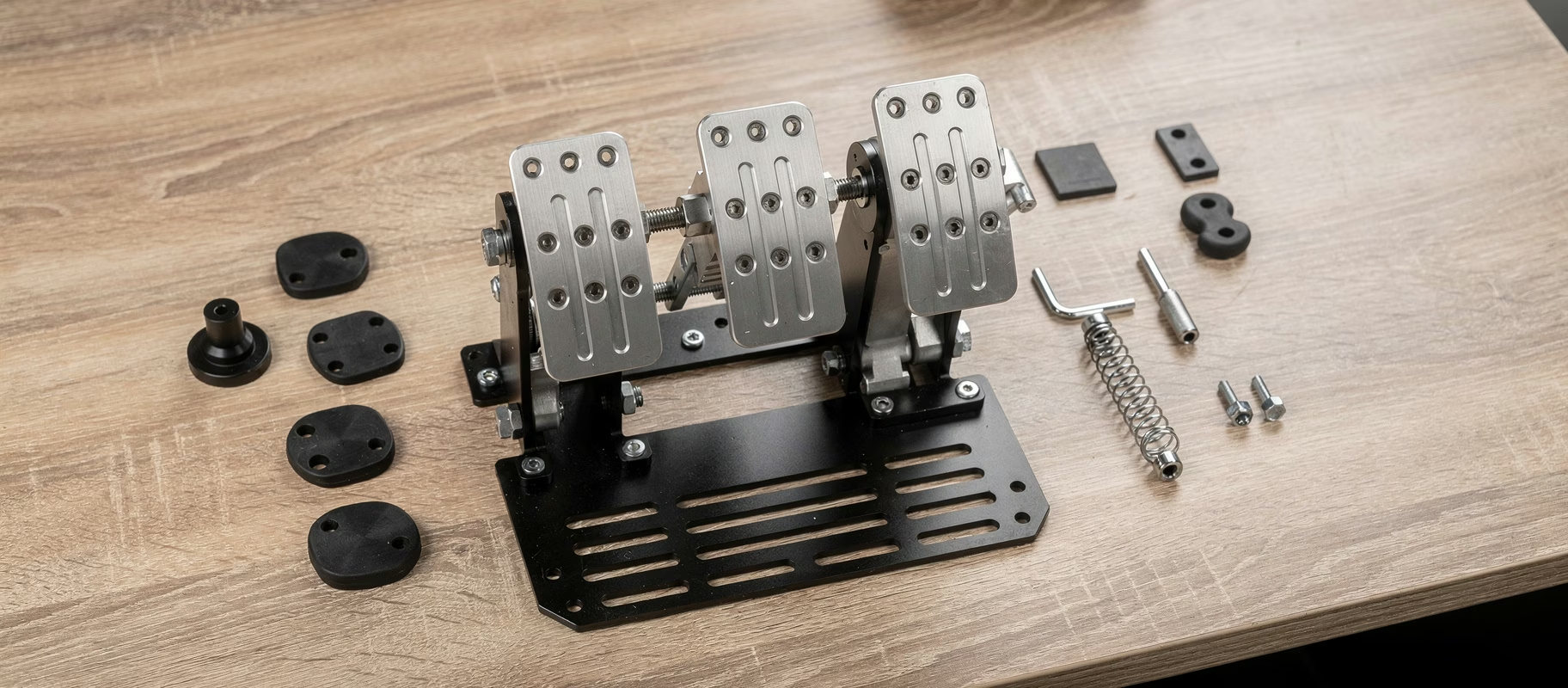
Everyone talks about the wheel. But the pedals? They make the difference between taking a corner and ending up in a wall.
Moza SR-P or Fanatec CSL Pedal Settings
- Brake Force: 40-50% (not too high, otherwise wheels lock up too quickly)
- Deadzone: Small at the bottom (5%), prevents light touches from being registered
- Throttle Linearity: 0.5 (linear, as it should be)
- Clutch (if you have one): Deadzone 10% at the bottom
Tip: In Forza Horizon 6, you can adjust brake force per car. Do that. A default setting doesn’t work for every vehicle.
Why 540°? The Hot Take
I can hear you thinking: “But in real life, I turn 900°!” Yes, true. But Forza Horizon 6 isn’t a real racing sim. It’s an arcade-sim. The cars react faster, the corners are tighter, and you don’t have hours to learn counter-steering.
540° gives you the speed you need to take those hairpin turns without dislocating your arms.
Don’t take my word for it. But try it. One race. If it’s nothing, turn it back.
Common Mistakes (And How to Avoid Them)
Mistake 1: Setting FFB too high. “More force is better!” No. It just becomes tiring and you lose feel.
Mistake 2: Not restarting the game after changing settings. Yes, it’s stupid. But Forza doesn’t reload some settings without a restart. Do it.
Mistake 3: Forgetting to put the wheelbase in ‘PC mode’. Sounds logical, but I’ve done it myself. Three times.
Mistake 4: Using the same settings for every car. A drift car needs different settings than a rally car. Adjust where needed.
Conclusion? No, Just Do It
I’m not going to write a fancy conclusion. Here’s what you need to do: copy the settings, start the game, and take a lap. If it doesn’t feel right, adjust the FFB Scale in 0.1 steps until it clicks.
Forza Horizon 6 is a great game with a wheel, but only if you take the time to set it up properly.
Go for it.
Have fun.
A fellow sim racer who spent way too much time on settings.