Start with a plan
New to the world of sim racing? Your first buying spree can feel like a jungle of acronyms, specs and opinions. This guide takes you step by step through the choices that matter, so you can build a setup that fits both your budget and your ambitions.
Define your budget
Start with a realistic amount. This prevents impulse purchases and gives direction to your search.
| Level | Budget | What you get | For whom |
|---|---|---|---|
| Entry | €300–€600 | Entry-level wheel set (Logitech G29/Logitech G923 or Thrustmaster T150), console or existing PC, basic games | Try your first laps without major investment |
| Enthusiast | €600–€1,500 | Mid-range wheel (Thrustmaster T300, Fanatec CSL DD 5Nm), better pedal set, wheel stand or light cockpit, premium sims | You race weekly and want to grow |
| Pro | €1,500+ | Direct-drive base (Fanatec ClubSport DD+, Moza R9, Simucube Sport), load cell pedals, solid cockpit, triple monitor or VR | Long-term investment for competitive racers |
Handy tip: plan 10–15% margin for accessories like gloves, cable management or a gaming chair.
Hardware you can’t skip
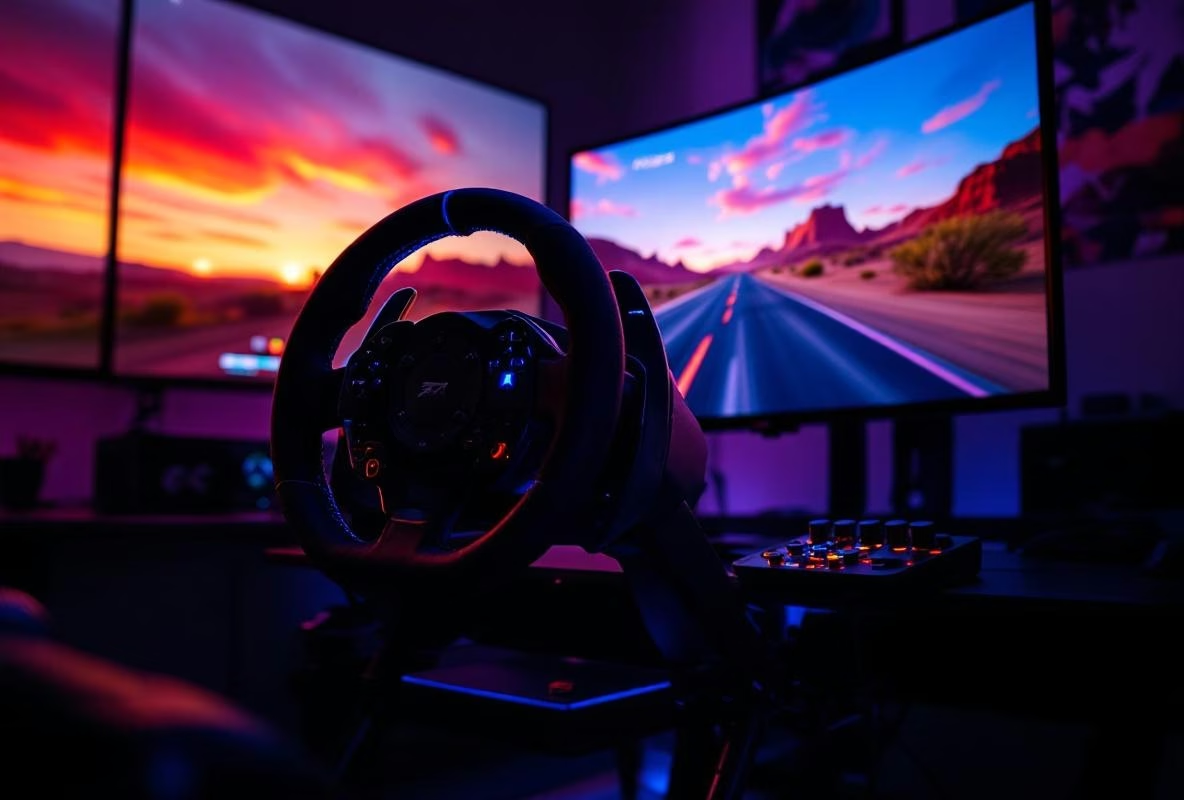
Steering wheel and pedals – your primary interface
A good entry-level wheel is more than sufficient to make progress in your first months. The Logitech G923 (around €350) offers a solid foundation, TRUEFORCE feedback and works on PC and console. The Thrustmaster T150 is slightly cheaper and feels more subtle thanks to the belt-drive hybrid.
Regardless of which wheel you choose: pay attention to the pedals. Even the standard sets are usable as long as you mount them firmly. Can you spend a bit more? Then a set with a load cell brake (for example Thrustmaster T-LCM) pays off quickly.
Monitor or TV – what do you actually see?
You don’t need to invest directly in an ultrawide. With a 24–27 inch screen, 1080p resolution and 60 Hz you’ll get quite far. More important is input lag (below 20 ms). If you aim higher, choose a 144 Hz monitor for smoother feedback or save for a 34 inch ultrawide. VR is fantastic, but postpone that until your foundation is solid.
PC or console – choose the ecosystem
Console (PlayStation/Xbox) stands for plug-and-play, lower entry costs and games like Gran Turismo or Forza Motorsport. You do sacrifice flexibility. A gaming PC opens the door to iRacing, Assetto Corsa Competizione and modding. Aim for at least an RTX 3060 or RX 6600, a modern i5/Ryzen 5, 16 GB RAM and a 500 GB SSD. That delivers stable 60+ FPS, even in heavy traffic.
Software: which sim suits you?
- Gran Turismo 7 (PS5) mix of sim and accessibility, perfect learning environment with excellent license and career structure.
- Forza Motorsport (Xbox/PC) offers lots of content, good force feedback and is ideal for learning circuits.
- Assetto Corsa Competizione (PC) is the GT3 simulator with brilliant physics and official SRO content.
- iRacing (PC) is the most competitive platform with advanced matchmaking, but requires a subscription and paid content.
Start with one or two titles and deepen your knowledge gradually. Switching is always an option.
Set up your cockpit smartly
Ergonomics first
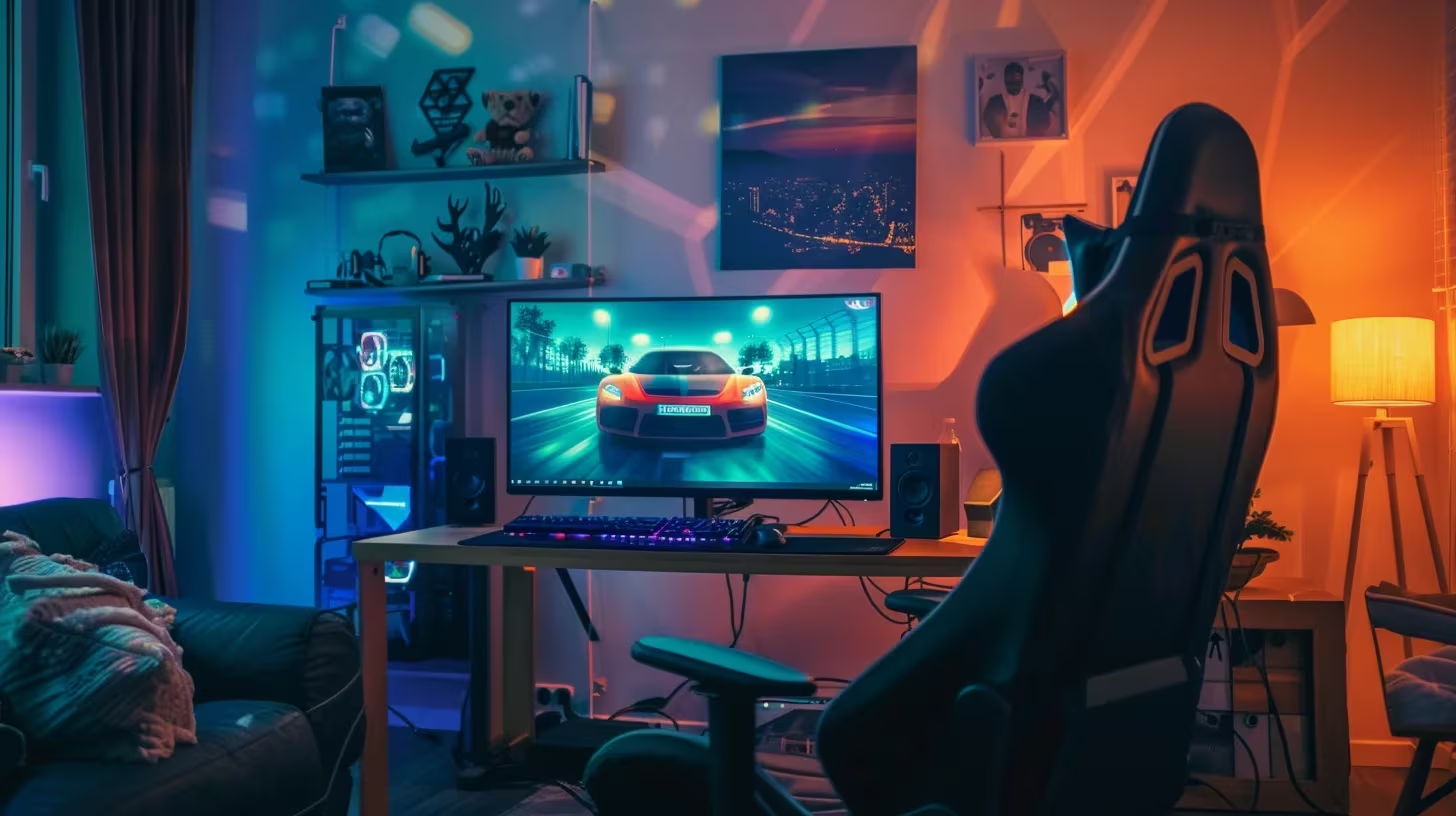
Set the wheel so your shoulders remain relaxed and your elbows are slightly bent. Pedal distance should prevent your knees from locking. Place the screen at 60–80 centimeters distance, preferably at eye level. A simple office chair can work as long as it’s stable and provides sufficient support.
Adjust force feedback
Start conservative: 60–75% force, damping and spring effects below 30%. Let the sim auto-calibrate the wheel and then apply small tweaks per car. Your arms should feel fresh after a stint; fatigue means the settings are too heavy.
In-game settings
Graphically: first performance, then beauty. Turn motion blur off and maintain at least 60 FPS. Set the dynamic racing line when learning circuits and disable it later once you know braking points. Don’t forget to calibrate your pedals and wheel per game for reliable inputs.
Common beginner mistakes
- Shopping too expensive too quickly. Don’t buy a direct-drive base before you’re sure you’ll stick with the hobby.
- Loose mounting. Mount wheel and pedals firmly; flex and vibrations ruin force feedback.
- Choosing too complex sims. iRacing is fantastic, but overwhelming as a first step. Build confidence in Gran Turismo, Forza or ACC.
- Unrealistic expectations. A steep learning curve is part of it. Focus on consistent pace, not world records.
- Forget ergonomics. Painful shoulders or wrists indicate wrong posture. Adjust this first.
Your 90-day growth plan
- Week 1–2: learn two circuits, use the racing line and practice braking points. No focus on speed, but on flawless laps.
- Week 3–4: try different cars, play with force feedback and join informal online lobbies.
- Month 2: join a community or league, work on racecraft and learn safe overtaking and defending.
- Month 3: experiment with setups, analyze replays, choose a class (GT, open-wheel, rally) in which you want to excel.
Smart upgrades (in order)
- Pedals with load cell – gives the biggest gain in consistency. Models like Thrustmaster T-LCM or Moza SR-P are affordable and effective.
- Solid cockpit or wheel stand – stability means better feedback and less fatigue. Think Playseat Challenge or the Next Level Racing Wheel Stand 2.0.
- Direct-drive wheel – once your foundation is solid. Fanatec CSL DD, Moza R5 or Simagic Alpha Mini offer huge detail gains.
- Display upgrade – triple monitor, ultrawide or a modern VR headset for maximum immersion.
Checklist before hitting the track
- ✅ Wheel and pedals mounted firmly
- ✅ Force feedback and pedals calibrated
- ✅ Game set to stable framerate
- ✅ Headset or speakers ready for team radio
- ✅ Plan for where you want to practice and how long
Further learning
- YouTube channels: Driver61, Boosted Media, Sim Racing Garage
- Communities: r/simracing on Reddit, RaceDepartment forums, Dutch league discords
- Setup tools: Coach Dave Academy, Virtual Racing School and MoTeC analysis for those who want to dive deeper
Sim racing is the perfect mix of technique, competition and fun. Invest in your skills, upgrade step by step and – most importantly – enjoy every lap. We’ll see you on the virtual circuit! 🏁